
Best AI Image Generators (2026)

Image Source: depositphotos.com
If you still think that creating high-quality images must take a lot of time and resources, think again, because in 2026, that is no longer the case. Now, AI image generators can instantly help you turn simple ideas into impressive visuals in just a few seconds.
It doesn’t matter if you want to create content for social media, design more complex marketing materials, or just bring your most random ideas to life; there’s probably an AI image generator that can help you achieve exactly what you need.
The challenge is choosing the right one. Some tools are better for realistic images, while others focus on creativity or come with extra editing features.
To help you decide, we've compared three of the best AI image generators in 2026: Krea, Midjourney, and Adobe Firefly.
What Should You Look For?
Not every AI image generator offers the same experience. So, here are a few things worth considering before choosing one.
- Image quality - Does it create detailed, realistic, or eye-catching images?
- Ease of use - Can you start creating right away, or is there a steep learning curve?
- Editing tools - Can you improve or edit your images after they're generated?
- Speed - How long does it take to generate an image?
- Pricing - Is there a free plan, and what do you get if you upgrade?
Let’s take a quick look at a comparison of the tools we’ll be exploring.
|
Tool |
Image Quality |
Easy to Use |
Editing Tools |
Free Plan |
|
Krea |
⭐⭐⭐⭐⭐ |
⭐⭐⭐⭐⭐ |
⭐⭐⭐⭐⭐ |
✅ Yes |
|
Midjourney |
⭐⭐⭐⭐⭐ |
⭐⭐⭐⭐☆ |
⭐⭐☆☆☆ |
❌ No |
|
Adobe Firefly |
⭐⭐⭐⭐☆ |
⭐⭐⭐⭐⭐ |
⭐⭐⭐⭐⭐ |
✅ Yes |
-
Krea
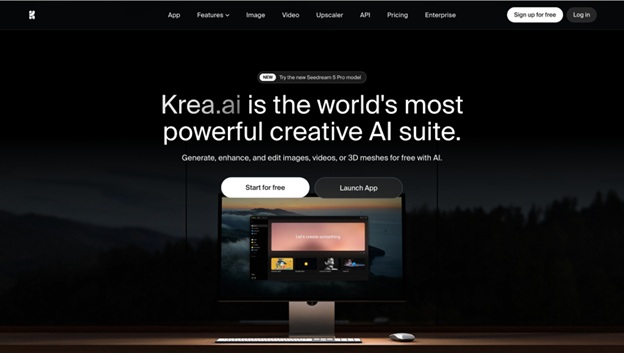
Krea is more than just an AI image generator. It lets you create, edit, enhance, and upscale images from one platform, and gives you access to several leading AI models like Krea 2, Flux, and Imagen. Whether you're creating social media graphics, product images, or artwork, it's an easy tool to pick up and use.
Why We Like It
- Image quality
Creates detailed images in a wide range of styles, from realistic photos to illustrations.
- Easy to use
The clean interface makes it beginner-friendly.
- Editing tools
Includes background removal, image editing, enhancement, variations, and
upscaling in one place.
- Fast generation
Images are generated in seconds, with multiple versions to choose from.
Pros
- Free plan available
- Beginner-friendly
- Multiple AI models
- Great editing features
Cons
- Some advanced features require a paid plan
|
Plan |
Price |
|
Free |
Free |
|
Basic |
$9/month |
|
Pro |
$35/month |
|
Max |
$105/month |
-
Midjourney
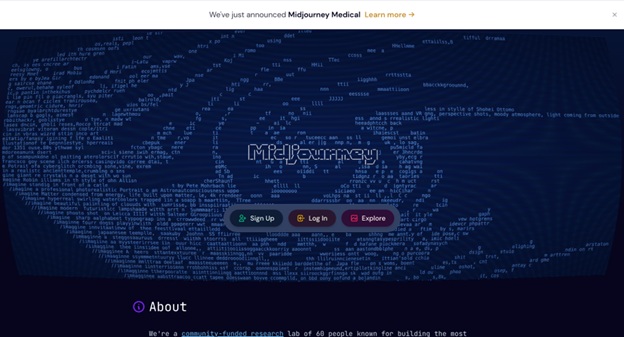
If your main goal is creating beautiful, artistic images, Midjourney is still one of the best AI image generators available. It's known for producing detailed, creative images from simple prompts and is a favorite among artists, designers, and illustrators.
Unlike Krea, Midjourney focuses mainly on image generation rather than editing, so it's best if your priority is creating artwork instead of refining existing images.
Why We Like It
- Image quality
Produces highly detailed and artistic images with very little prompting.
- Easy to use
Once you get familiar with prompting, it's simple to create impressive results.
- Creative styles
Great for concept art, fantasy, illustrations, character design, and more.
- Large community
Millions of users share prompts and creations, making it easy to find inspiration.
Pros
- Excellent image quality
- Great for creative projects
- Easy to experiment with different styles
- Large creative community
Cons
- No free plan
- Fewer built-in editing tools than Krea
Pricing
|
Plan |
Price |
|
Basic |
$10/month |
|
Standard |
$30/month |
|
Pro |
$60/month |
|
Mega |
$120/month |
-
Adobe Firefly
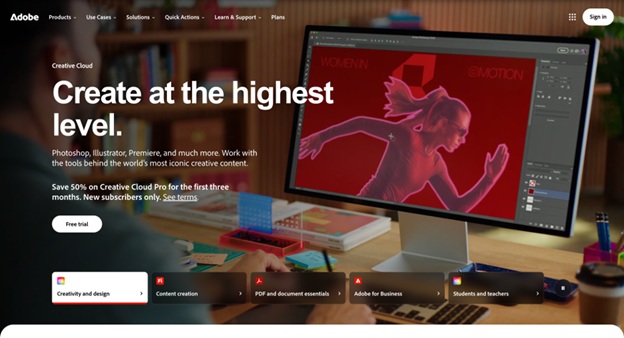
If you already use Photoshop, Illustrator, or Adobe Express, Adobe Firefly is an easy addition to your workflow. It focuses on helping users generate and edit images while working inside Adobe's creative apps.
It's especially useful for designers and marketers who need AI-generated content that fits into their existing projects.
Why We Like It
- Image quality
Creates clean, high-quality images and illustrations for creative projects.
- Easy to use
Simple interface, especially if you're already familiar with Adobe products.
- Editing tools
Includes features like Generative Fill and Generative Expand, making it easy to edit existing images.
- Adobe integration
Works seamlessly with Photoshop and other Adobe Creative Cloud apps.
Pros
- Free plan available
- Great editing features
- Works well with Adobe Creative Cloud
- Easy for designers to fit into existing workflows
Cons
- Best experience requires Adobe apps
- Fewer AI models than Krea
Pricing
|
Plan |
Price |
|
Free |
Free |
|
Firefly Standard |
From $9.99/month |
|
Firefly Pro |
From $19.99/month |
At a Glance
|
Tool |
Image Quality |
Easy to Use |
Editing Tools |
Speed |
Free Plan |
Best For |
|
Krea |
Excellent |
Excellent |
Excellent |
Excellent |
✅ Yes |
All-around AI image creation |
|
Midjourney |
Excellent |
Very Good |
Basic |
Very Good |
❌ No |
Artwork, illustrations, and concept art |
|
Adobe Firefly |
Very Good |
Excellent |
Excellent |
Very Good |
✅ Yes |
Adobe users and creative professionals |
Conclusion
All three of these AI image generators are excellent, but they're designed for different types of users.
If you're looking for the best all-around option, Krea stands out thanks to its combination of AI image generation, editing, upscaling, and access to multiple leading AI models - all in one platform.
Midjourney is a great choice for creative artwork, while Adobe Firefly is ideal for anyone already using Adobe's creative tools.