Operations | Monitoring | ITSM | DevOps | Cloud

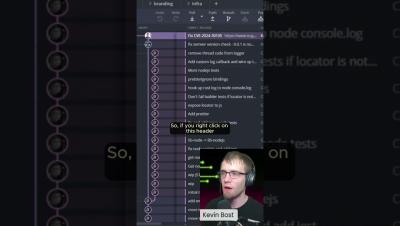
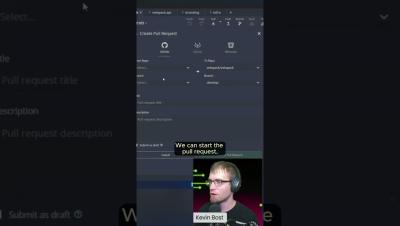
GitKraken Desktop Tutorial: How to Create a Pull Request

Learn how to create a pull request in GitKraken Desktop! From utilizing the GUI's drag-and-drop functionality to integrating with GitHub, GitLab, and Bitbucket, this comprehensive guide has everything you need to collaborate effectively with your team, manage your repositories, and simplify your development process.

Features for Better Code Collaboration #shorts #GitKraken

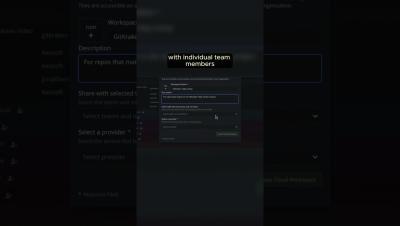
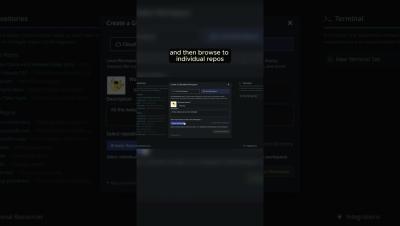
Discover an easier way to review code changes with Code Suggestions! Now, you can approve commits and suggest changes without being limited to specific lines of code. Or, maybe you need quick feedback on WIPs? Cloud Patches let you share your work with your team at any stage of the development process. Collaborate smoothly, get early input, and keep your repos neat and organized.

Launchpad: Your Central Hub for Dev Team Collaboration

Struggling with workflow bottlenecks? Discover how GitKraken's Launchpad makes it easy to manage pull requests and reviews, track issues, and enhance team collaboration. Join Dev Team Chris as they walk through creating and tagging PRs, checking review statuses, managing tasks with ease, and leveraging the new Team view for comprehensive project oversight. See why millions of developers worldwide consider GitKraken an essential tool for their projects.