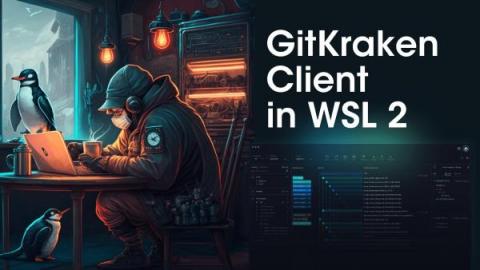
Intro to the CLI – Part 1: Why Learn to Use The Terminal and Some History Long-time fans of GitKraken Client have come to love the graphical user interface, or GUI, that allows you to click on a Git branch or commit to perform an action or even drag and drop a branch to start a pull request. Version 8.0 of GitKraken Client introduced the GitKraken CLI, allowing you to interact with your repositories, and the rest of your computer, from Terminal Tabs.
Zip into Git Integration for Jira version 4.0! Our team has been whipping up some speedy new features and improvements to enhance your Git Integration for Jira Data Center and Jira Server experience. Do more in Git without leaving Jira, reducing context switching for a better workflow. Start using Git Integration for Jira free today! Start Free Trial.
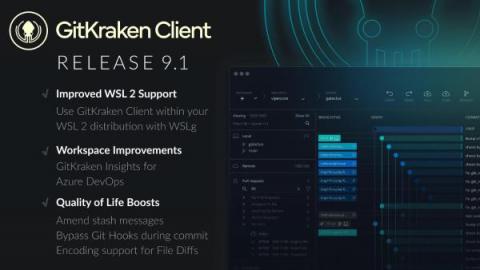
We’re excited to share what’s new and improved in the v8.2 release of GitKraken Client. Even solo superheroes will benefit from Workspaces but we’ve made a lot of updates designed for Teams to get the most out of Git. So assemble your team and get ready to tackle even the largest projects in Git. Keep reading this article or watch the video below to see what’s new! We just can’t stop improving productivity with Git.
Before I introduce myself, I first want to highlight a monumental day in our company’s story. Today, we begin writing a new chapter under a new company name. We’ve decided to name the entire company after our flagship product, the ultra-popular GitKraken Client. Why make this move now? It’s much more than a cosmetic name change. Today ushers in the next phase in our evolution – one in which we will become the premier provider of Git tools for developers around the world.