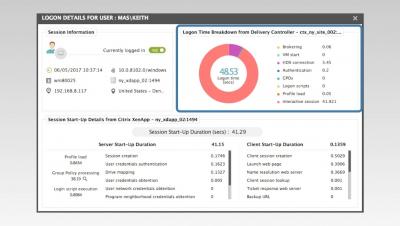
Watch this Quick Look feature video to learn how eG Enterprise provides detailed visibility into the logon process for every single user that is connecting to Citrix XenApp or XenDesktop.
In managing a Citrix infrastructure, a common complaint heard is, "Citrix is slow" or "Citrix is not working." After hours of troubleshooting, you may discover that the issue not with Citrix at all but rather originates elsewhere in the infrastructure. Watch this Quick Look feature video to see how eG Enterprise helps Citrix administrators quickly instantly diagnose the root cause of Citrix performance problems.
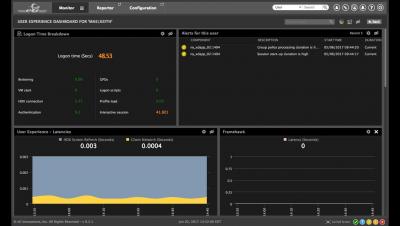
Identifying and troubleshooting user experience issues is a big challenge for Citrix administrators. And, using multiple consoles and dashboards to gather all of the required performance information makes problem diagnosis more cumbersome.
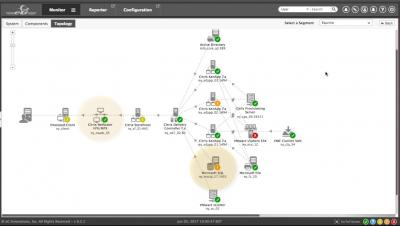
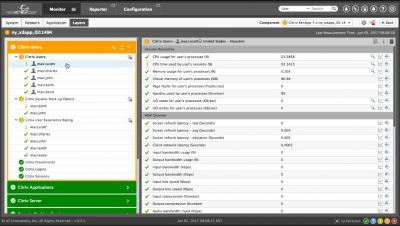
eG Enterprise simplifies the troubleshooting of Citrix performance problems by providing deep-dive visibility into every tier and every layer of the Citrix farm. From an intuitive layer model dashboard, administrators can instantly identify where a problem has occurred - in the Citrix session, published application, server, operating system, or network connectivity.
Are you facing issues with slow Citrix applications and desktops? Do you get frequent calls from users complaining their logon is slow, session disconnects automatically, or the screen freezes?