Operations | Monitoring | ITSM | DevOps | Cloud

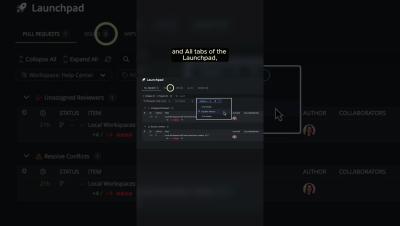
GitKraken Workshops: Unblock Code Collaboration with GitKraken's Code Suggest & Launchpad

Dive into the future of code reviews with GitKraken! Discover the power of Code Suggest and Launchpad in our latest workshop. From suggesting code changes anywhere in your project, to consolidating PRs, Issues, and WIPs, this workshop includes demos so you can seamlessly integrate these new features into your workflow. Gain valuable insights into overcoming traditional pull request challenges, improving collaboration, and enhancing workflow efficiency with GitKraken's DevEx platform.

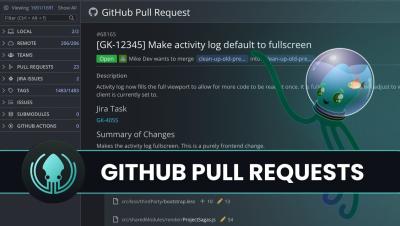
6 GitHub Collaboration Problems Solved by GitKraken's Tools

Picture this: you’re working on a big project with tight deadlines, juggling multiple pull requests, and just when you think you’re getting ahead, you hit a merge conflict that throws everything into chaos. Your inbox is flooded with GitHub notifications, you’ve lost track of which issues are the most urgent, and the code review feedback is as clear as mud. Sound familiar? Well, you’re not alone.

Installing & Setting Up #GitLens in VS Code #tutorial #shorts

Looking for the ultimate GitLens tutorial? We've got you covered! In Part 1, learn how to quickly install and set up GitLens in VS Code so you can get started optimizing your workflow in no time. Watch the full video here on YouTube to uncover tips and tricks that will help you become a GitLens pro!

GitLens Tutorial: How to use the VS Code Extension

Learn GitLens with this comprehensive tutorial. Discover how to use GitLens rich set of features to enhance your IDE in Visual Studio Code. Perfect for beginners and experienced users alike, this GitLens tutorial is your expert guide to mastering this essential tool. GitLens supercharges the Git capabilities built into VS Code. Whether you’re a seasoned Git developer or just getting started, GitLens makes it easier, safer and faster to leverage the full power of Git. This GitLens tutorial will show you how to use GitLens in VS Code and get the most out of the tool.

How to Connect the JFrog Platform to Your GitHub Environment to Create a Seamless Integration

The latest JFrog collaboration with GitHub enables you to easily combine your favorite solutions for source code and binaries in a seamless integration. This means you now have a unified comprehensive and secure end-to-end experience that supports your software projects. This integration covers everything from curating open source packages, coding, CI, release management, deployment and production. Including three major improvements to your developer experience.