Operations | Monitoring | ITSM | DevOps | Cloud

How to Improve Performance in PHP

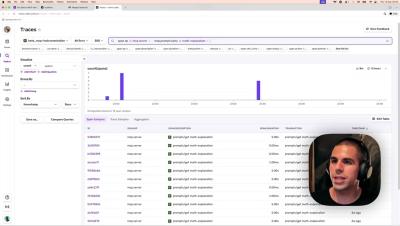
PHP apps can be deceptively simple — until something starts slowing down. Maybe it’s a page load that takes a few seconds too long, or maybe your server costs are creeping up without a clear reason. That’s where performance monitoring comes in. In this guide, we’ll walk through how to monitor and improve the performance of a PHP application. You’ll learn how to use profiling and tracing to identify bottlenecks in your code, and how to optimize your app.

Investigating an '[Object] not found' error in Next.js with Tracing in Sentry

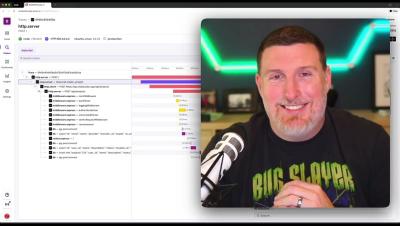
Breakpoints and console.log statements might save your sanity during local dev, but production issues are another story. In prod, your errors might be distributed across different microservices, or hidden in minified code. Good luck hunting those down. That’s where Sentry’s traces and spans come in, offering you easy visibility into every network request, API call, DB fetch and more in a full-stack, distributed environment.

Practical Tips on Handling Errors and Exceptions in Python

Have you ever encountered a confusing error message that left you wondering what went wrong in your Python code? You’re not alone. Even the most experienced developers run into exceptions, making it essential to understand how to handle them effectively. While basic syntax errors can be caught early by code editors and debugging tools, more complex issues often arise at runtime, requiring a structured approach to exception handling.

Dashboard updates: Fewer clicks, more control, faster widget building

You're reviewing your production metrics when suddenly an error spike appears on your dashboard. Your immediate thought isn't "how do I build a new view to investigate this?" but rather "how do I find out the cause quickly?" This is exactly what happened to one of our engineering teams last month when they spotted an unusual pattern in their API response times. Instead of running ad-hoc queries from scratch, they turned to a custom dashboard they had built after a past incident.

A Guide to Logging in React Native

Basic console logging is a good starting point for debugging and understanding an app. For larger, more complex apps, it’s helpful to include additional information and persist logs. In this guide, you’ll learn how to create and view logs in React Native and how to create and save custom logs to a file. We’ll focus on JavaScript logs.