Operations | Monitoring | ITSM | DevOps | Cloud

Using a transformer-based text embeddings model to reduce Sentry alerts by 40% and cut through noise

Sentry uses Issue Grouping to aggregate identical errors and prevent duplicate issues from being created, and duplicate alerts being sent. One of the chief complaints we’ve heard from our users is that in some cases the existing algorithm did not sufficiently group similar errors together, and Sentry would create separate issues and alerts, causing unnecessary disruption–or at least annoyance–to developers.

Find and Fix Performance Bottlenecks with Sentry's Trace Explorer

We’ve all worked on that app that hangs just a little too long in weird places, or had that query we could never get to perform just right. The network waterfall in Chrome DevTools can’t quite show us what’s going on behind the scenes, and tracing with OTel (and honestly, tracing in Sentry) was just… hard. Today that changes.

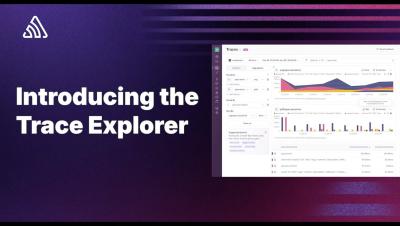
Introducing the Sentry Trace Explorer

The Trace Explorer is a new way to query and visualize the application metrics from the traces and spans within your applications. In this video, Cody from the Sentry Developer Experience team shows you how you can get started using it. Want to dive in and find your slow database queries, or what pages or components are loading the slowest? Trace Explorer is the best way to do it - and gives you an easy path to jumping into the spans that make up all actions within your application.

A Guide to Logging and Debugging in Java

During the development of your program, you might rely on simple println() statements to trace program execution flows and identify issues in your code. But as projects grow in size and complexity, print statements quickly become messy. A better approach to tracing program execution is logging, an approach that provides a consistent and organized way to track your application’s behavior, allowing you to systematically identify and resolve issues.