How to View, Filter and Manage Docker Logs Without Losing Them or Filling the Disk
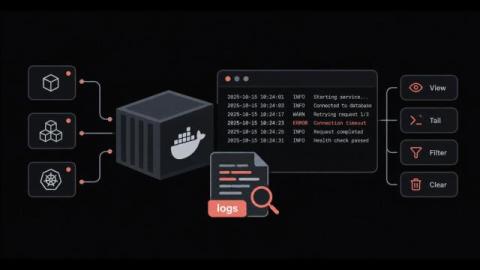
Why does a container fail, restart and leave behind almost nothing useful when you go looking for the cause? Docker logs are the first place most engineers check during an incident, and they work well right up until the output goes missing. Sometimes it is buried under thousands of lines, and sometimes it is deleted along with the container. The docker logs command itself is simple. The difficulty comes from the settings around it, starting with the logging driver and where its files live on disk.