Mattermost integrations: Sending alerts to a channel with an incoming webhook
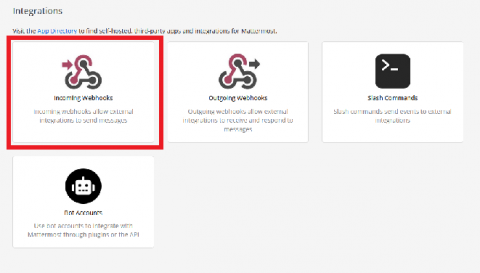
Last week, we shared an introduction on how to use incoming webhooks to integrate with Mattermost. Here’s an example of how to use them in action.


Last week, we shared an introduction on how to use incoming webhooks to integrate with Mattermost. Here’s an example of how to use them in action.
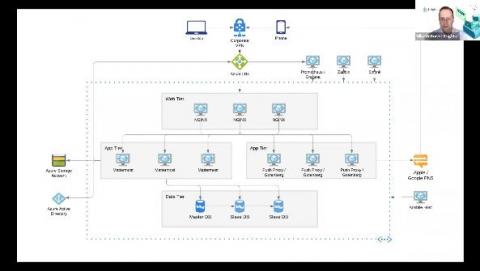
Managing the flow of information within an organization can be a daunting task even for small teams. But for large corporations, creating a communication and collaboration workflow to meet the needs of thousands of users—while meeting their standards for security and compliance—can be a huge challenge. So what does it take to maintain secure communication for tens of thousands of users?
One of the great things about Mattermost is how well it integrates with all the other systems you use. But this flexibility can make it difficult to figure out which integration to use for each purpose. This series will review the various ways Mattermost can connect to other systems to give you an idea of what is possible and when to use what method.
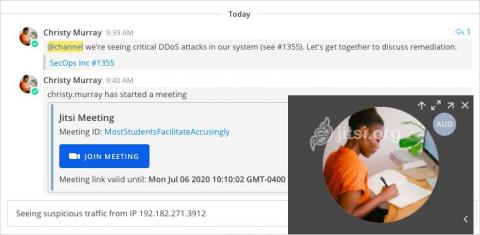
Mattermost and Jitsi—open source, self-hosted alternatives to Slack and Zoom—now integrate! With the Mattermost Jitsi plugin, Mattermost users can now instantly launch secure Jitsi voice, video and screen-sharing calls, either on-prem with the self-hosted Jitsi software or via the cloud with Jitsi Meet.
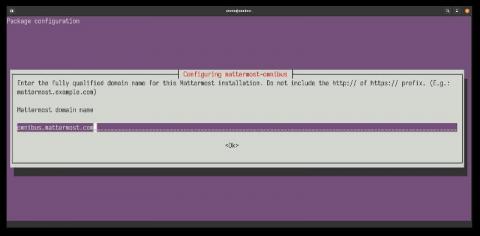
Some time ago, a group of Mattermost contributors sat down to think about how to improve the installation and maintenance flow of the platform. Managing a Mattermost install is quite straightforward already thanks to its binary distribution, but you still need to install and manage the different components that surround the application itself: the database, the web proxy, and the SSL certificate.
Open source companies are amazing places to work for engineers. Your work is showcased to the world through private open source companies like GitLab and HashiCorp (makers of Terraform and Vault), and through public ones like Elastic, GitHub, and RedHat—all of which have enormous impact.
Nimbella and Mattermost today announced that they are offering a solution that allows any enterprise using Mattermost to easily build and run custom slash commands and apps with enterprise security capabilities.
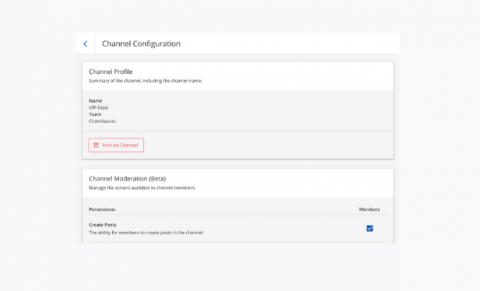
Mattermost Release v5.26 is generally available today. The new feature release offers enhancements to member and channel management, logs, channel sidebar, help, and the mobile app. The release includes the following new features.
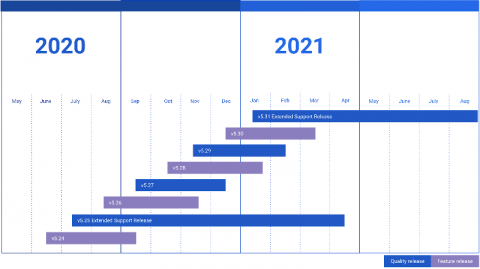
As of October 15, 2020, Mattermost Extended Support Release (ESR) version 5.19 will no longer be supported. If any of your servers are not on ESR 5.25 or later, we highly recommend that you upgrade immediately. With our simple upgrade steps, it takes only a few minutes. Mattermost adopts a monthly tick-tock release cycle, with a new version shipping on the 16th of each month.
A lot will happen over the next 1,000 years, and the codebase for the Mattermost open source project will be along for the entire ride. On July 8, GitHub successfully deposited 21 terabytes of open source repository data in the Arctic World Archive, a (very) long-term storage facility located on the Svalbard archipelago in Norway near the North Pole.