Operations | Monitoring | ITSM | DevOps | Cloud

The latest News and Information on Incident Management, On-Call, Incident Response and related technologies.

Popular Mass Notification Solutions Used in Schools

OnPage BlastIT is a mass notification system that allows organizations to enhance their crisis communications. It streamlines communication in emergency situations, ensuring that critical, urgent alerts are never missed. Additionally, BlastIT allows organizations to improve mass messaging operations by 30- to-40 percent. Here, I’ll highlight BlastIT’s features and how they outweigh competitor functionalities.

Better Incident Response: Incident Classification & Setting Severities with Tags

What you absolutely must know when responding to an incident is what kind of impact it has on customers and how negatively it can affect your team. This is typically addressed by following some kind of incident classification, usually “incident severity levels”, to indicate the importance of every incident - that is, to understand how seriously various stakeholders are affected and to route the incident differently if necessary.

The Lifecycle of a Service

Services are the backbone of our systems. Whether they’re functional microservices or logical components of a traditional application, they are the pieces that make up our businesses. We can’t do the computer thing without services. But who’s responsible for owning a service in your company or organization? The cast of characters involved in the lifecycle of a service is more than just software engineers.

"Homegrown" May Be Good for Tomatoes, Not So Much for IT Ops

In the past, many organizations grew and managed their own data centers. Some still do. And many are still developing their own automated incident management (aka Autonomous Operations) tools. But as IT grows and becomes evermore complex and fast-moving, the reality of what it means to do so kicks in, and organizations are re-evaluating their strategies.

Scheduling IT and Engineering on-call rotations just got easier

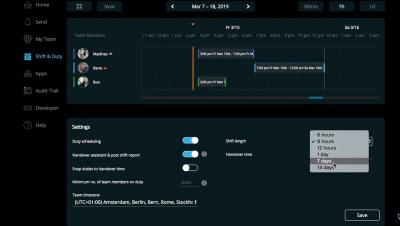
It shouldn’t take you more time than a few seconds to understand your on-call schedule and rotations and how you could make changes to it. It is important for on-call scheduling and alerting tools to make this as simple as possible. If you’re spending more than a few seconds to understand what your on-call rotations are going to be like for the next day or week or month, then you need to start looking for a better on-call management tool.