Operations | Monitoring | ITSM | DevOps | Cloud

IT Incidents vs. Alerts

IT incidents are events which lead to a disruption or deviation from the regular operating standards of a computer system or network. They can be caused by various factors, including hardware or software failures, human error, or even deliberate external (cybersecurity) attacks. It begins with short delays, or services cutting out - for example, when a website or server is down, or access to data(bases) takes too long.
Automated Incident Management

Automated Incident Management is the process of automating some or all these tasks through various means. Automated incident management can improve incident response time, reduce unnecessary work, such as when an issue is a minimal impact. AlertOps can help automate incident management by creating tickets in help desk systems, filtering and rules, and escalating alerts.

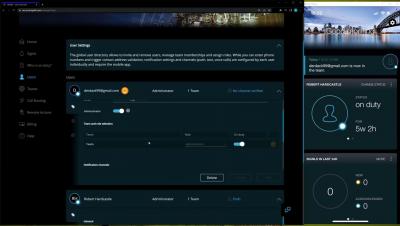
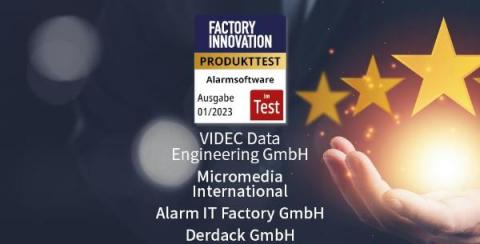
Alarm Notification Software: SIGNL4 is test winner

The renowned German manufacturing magazine “Factory Innovation” recently conducted a comprehensive practical test on four leading alarm notification software for industrial manufacturing in their latest issue (01/23). The four alarming systems that were evaluated include: the Alarm Control Center from Alarm IT Factory (a spin-off of Siemens AG), ALERT 4.0 from Micromedia, the Alarm and Information Portal (AIP) from VIDEC, and SIGNL4 from Derdack.

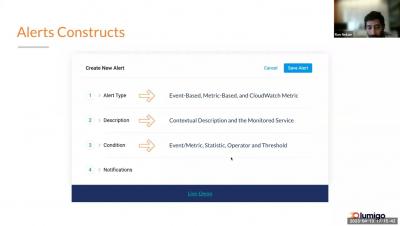
Lumigo Product Training: Actionable Alerts

Get hands-on training from Lumigo's Director of Product during this live webinar on alerts and how to use them to reduce response time. Recorded on April 13, 2023. Make sure to subscribe so you don't miss out on any new livestreams and observability content! With one-click distributed tracing, Lumigo lets developers effortlessly find and fix issues in serverless and containerized environments.

Using Practical Alerting to Stay on Top of Teams Call Quality - Part 1

In the modern workplace, more and more organizations are relying on tools like Microsoft Teams to stay connected and productive. However, with the rising usage of these tools comes the potential for technical difficulties that can impact call quality and overall performance. This can be frustrating for teams trying to get work done, but there are ways to stay on top of these challenges.

Grafana Alerting: Searching for Grafana alerts just got faster, easier, and more accurate

Grafana Alerting enables users to create and customize alert rules as separate entities and link them to Grafana panels. It also supports various data sources with built-in alerting engines, such as Prometheus, Grafana Mimir, and Grafana Loki, allowing users to manage their alert rules directly from Grafana’s UI.

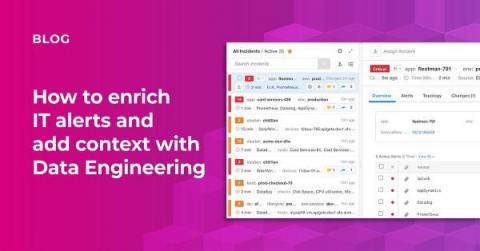
How to enrich IT alerts and add context with Data Engineering

I see it daily in my role, IT organizations are paying for best-of-breed monitoring tools but struggle to tie the pieces together between these siloed systems. The wound of these silos is further punctured when incidents arise. Incidents are costly for so many reasons, like wasted company resources, potential revenue loss, customer satisfaction, employee burnout, etc. This is exactly why BigPanda exists, to apply AI to the complex problems IT operations, NOC, SRE, and DevOps teams face daily.

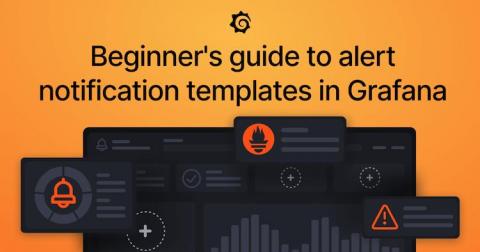
Grafana Alerting: A beginner's guide to templating alert notifications

We often see questions about how to template alerts. In Grafana, you can template information about your alerts with custom labels and annotations, and you can also template how notifications look and what information they contain with notification templates. Many users confuse the two, despite being separate features with different use cases.