

Operations | Monitoring | ITSM | DevOps | Cloud

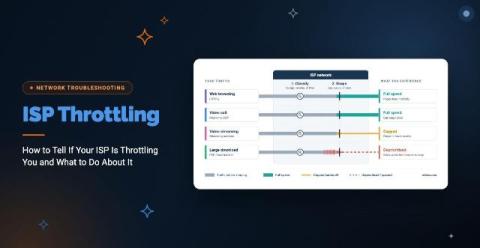
ISP Throttling: How to Tell If Your ISP Is Throttling You and What to Do About It

Your connection is fine in the morning and crawls every afternoon. Or video calls stutter while everything else loads normally. Either pattern could be ISP throttling. It could also be network congestion, or a problem inside your own network. ISP throttling is when your internet service provider intentionally slows your connection based on how much data you use, the type of traffic you send, the time of day, or the plan you’re on. Knowing throttling exists is the easy part. Proving it is harder.
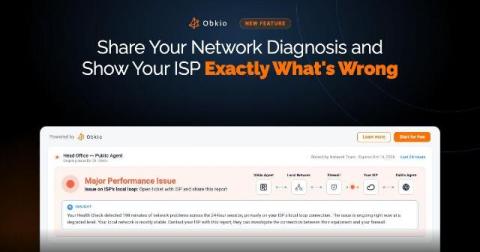
New in Obkio: Share Your Network Diagnosis and Show Your ISP Exactly What's Wrong

You know the conversation. Calls are choppy, users are complaining, and Obkio shows packet loss on the path to your ISP. You open a ticket, and they reply, "Everything looks fine on our end." Now you're stuck taking screenshots, exporting graphs, and trying to explain data to someone who can't see it. Meanwhile, the problem keeps happening. Today we're launching Shareable Links. With one click, you can create a read-only link to any Network Monitoring Session and send it to anyone.

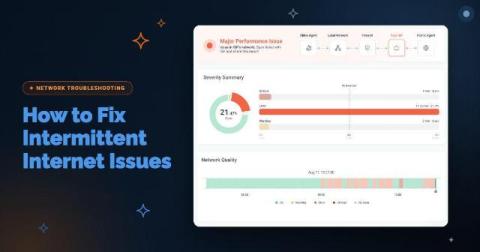
How to Fix Intermittent Internet Issues: Is It Your Network or Your ISP?

Your Internet circuit is up. The firewall shows the WAN link as connected, your ISP's status page is green, and a speed test comes back at full provisioned bandwidth. Meanwhile, Teams calls at one branch break up for ten minutes every afternoon, and every user at that site sees Salesforce slow to a crawl at the same moment. Then everything recovers before anyone can capture it.