Operations | Monitoring | ITSM | DevOps | Cloud

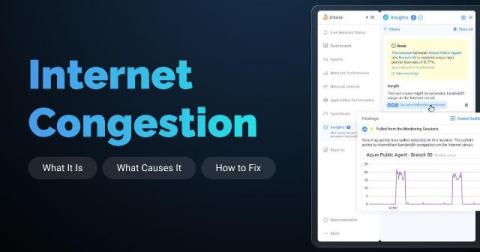
What Is Internet Congestion and How to Fix It

Your VoIP calls are choppy. File uploads are crawling. Your team is complaining that the CRM is sluggish, and remote desktop sessions keep freezing. You check your firewall, your switches look clean, and there are no alerts on your LAN. The problem isn't inside your network. It's upstream, and it's happening quietly every day during peak hours.

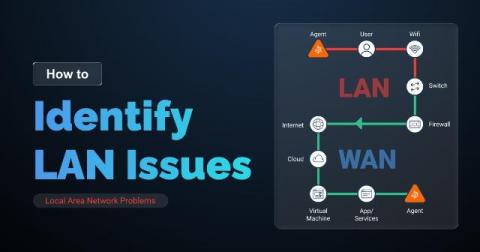
How to Identify LAN Issues (Local Area Network Problems)

Here is a reality that every network admin eventually runs into: users report slow apps, dropped calls, and broken connections, and the first instinct is to blame the ISP or the cloud provider. The ticket gets escalated, the ISP pushes back, and hours later, you find out the problem was sitting inside your own building the whole time. A saturated switch port. A misconfigured VLAN. A flaky patch cable in the server room.

Obkio Microsoft Teams Monitoring vs. Microsoft Teams Admin Center

Most IT teams rely on Microsoft Teams Admin Center as their default monitoring tool to find and fix Microsoft Teams issues, but there's a gap between what it shows and what actually causes call quality problems. Teams Admin Center gives you Microsoft's perspective on what happened after an MS Teams call ended. It doesn't tell you what was happening on your network, on your users' devices, or in the five minutes before the complaints started coming in.