Welcome to this tutorial video where we walk you through the process of using dispaly settings in kiosk mode with AirDroid Business. AirDroid Business is a device management solution that helps you manage your Android and Windows devices effectively and securely.
Welcome to this tutorial video, where we walk you through the process of controlling the "Camera Access" of your work devices with AirDroid Business. AirDroid Business is a mobile device management (MDM) solution that helps you manage all your Android and Windows devices effectively and securely.
Learn how to easily view usage reports and logs in AirDroid Remote Support to keep track of your remote sessions. In this step-by-step guide, we’ll show you how to access detailed reports and activity logs, helping you monitor remote support activities, troubleshoot issues, and optimize your remote assistance workflow.
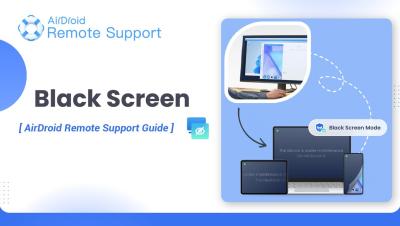
In this video, let's learn how to enable Black Screen Mode in AirDroid Remote Support for secure remote access to your Windows PC. Black Screen Mode helps protect your privacy by blanking the screen of the remote device while you're accessing it, ensuring no one can view your activities. Follow our step-by-step guide to activate this feature and safeguard your privacy during remote sessions.
In this video, we walk you through how to change the Privacy Policy settings in AirDroid Remote Support. Protecting your data and ensuring privacy is essential when using remote support tools, and AirDroid makes it simple to customize these settings to your preferences. Follow this step-by-step guide to update your privacy settings quickly and securely.