Operations | Monitoring | ITSM | DevOps | Cloud

Git worktrees: How to work on multiple branches at once

Git worktrees let you check out multiple branches of the same repository in separate directories. Each worktree has its own files and staging area, but they all share the same Git history. You can work on several branches without repeatedly switching between them, stashing changes, or cloning the repository again. Worktrees are especially useful when working with coding agents. Tools like Claude Code, Codex, and Cursor can use them to handle multiple tasks in parallel without editing the same files.


How to run fewer tests and speed up CI with CircleCI Smarter Testing

A one-line fix shouldn’t wait on the whole test suite. Yet a typical CI pipeline runs every test on every push, and a single flaky failure sends developers back to the rerun button. CircleCI’s Smarter Testing addresses both problems. Test impact analysis tracks which source files each test executes, then runs only the tests affected by a code change. Auto rerun retries flaky tests inside the job instead of failing the build.

Getting started with the CircleCI CLI

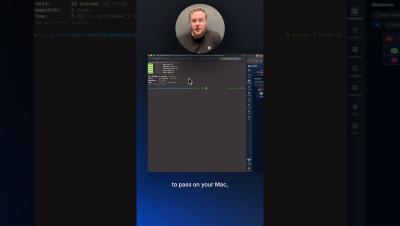
The CircleCI CLI brings CI into your terminal, where developers and coding agents can work with it directly. You can set up projects, trigger and monitor pipelines, investigate failures, retrieve test results and artifacts, manage project settings, and more. Agents can use the CLI through shell commands or its built-in MCP server, giving them the tools and context to validate changes, diagnose failures, and try again without switching to a browser.

5 takeaways from the State of Software Delivery Q3 Pulse report

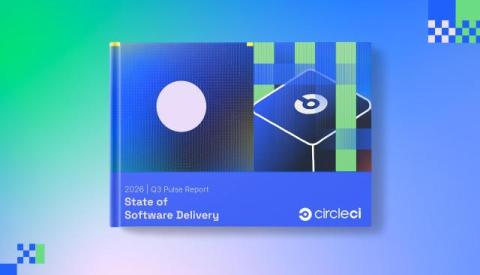
Software teams are taking on more work than ever. Developers are juggling more branches, coding agents are keeping CI busy through the weekend, and builds are passing more often and finishing faster. But is all that extra activity helping teams ship faster? Today we released the 2026 State of Software Delivery Q3 Pulse report, the latest in our quarterly series tracking how software teams are adapting to AI-driven development.

Stacked PRs: what they are and how to run CI on a stack

Large pull requests can be a pain to review. When a change touches dozens of files and adds hundreds of lines of code, reviewers have a lot to work through before they can approve it. And if something needs to change, the whole PR goes through another round of review. Stacked PRs let developers split a large change into smaller, dependent pull requests that can be reviewed separately.

CircleCI Smarter Testing Tutorial: Run Fewer Tests and Get Faster Feedback

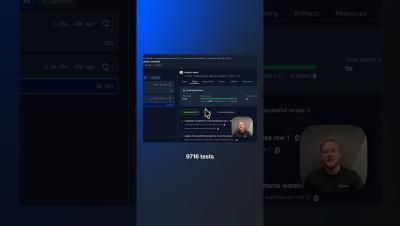
CircleCI Smarter Testing is now generally available. In this tutorial, we’ll show you how Smarter Testing helps you run fewer tests, get faster feedback, and reduce unnecessary CI compute with three capabilities: Then, we’ll put it to the test. For the same code change, a traditional pipeline ran all 9,716 tests across 15 nodes. With Smarter Testing, CircleCI identified just 44 impacted tests and skipped the other 9,672, cutting test runtime from 3 minutes and 56 seconds to 22 seconds.