This is the ninth part of our 12-day Advent of Monitoring series. In this series, Checkly's engineers will share practical monitoring tips from their own experience. As a Checkly user, you’ve always had access to our two core check types: API and browser checks. API Checks are much cheaper, and therefore only run a curl-like request against the endpoint of your choice.
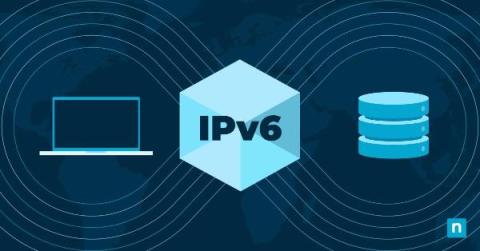
Poised to redefine the landscape of digital communication stands the groundbreaking achievement that is IPv6, the sixth generation of the Internet Protocol. The evolution from IPv4 to IPv6 marks a pivotal shift in internet technology, driven by the increasing scarcity of IPv4 addresses and the expanding scale of the global network.
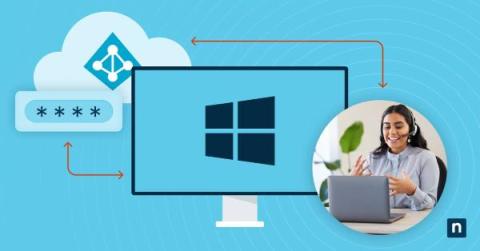
Securing privileged accounts is of utmost concern to cybersecurity professionals, and Active Directory, Microsoft’s identity and access management service, forms the backbone of the majority of organizations. Active Directory (AD) centralizes user accounts, computers, and resources, ensuring access control, and local administrator accounts wield substantial power within Windows systems.
Monitoring your Docker environment is critical for ensuring optimal performance, security, and reliability of your containerized applications and infrastructure. It helps in maintaining a healthy and efficient environment while allowing for timely interventions and improvements. In general, monitoring any internal services or running process helps you track resource usage (CPU, memory, disk space), allowing for efficient allocation and optimization.
Have you seen this problem? Or maybe this one? You’ve most likely seen this: Hint: they’re all the same. The first image is Sentry’s Event Details page, the second is Chrome’s Network tab, and the code snippet is what causes it. If you can answer yes to any of these, then you need to keep reading. If not, you still need to keep reading, so your future self can thank you. This is called “fetch waterfall” and it’s a common data fetching issue in React.