Uptime.com is a leader in website and performance monitoring. Learn about what drives us, and how we power our monitoring features for our users with this short video.
Get a quick tour of the Uptime.com Status Page solution. Uptime.com has you covered regardless of your needs from SLA accountability, to Public Status updates, to Internal communications. For more information click the link in our banner to check out our free trial, or explore our support documentation for more details.
Learn our best practices for configuring and optimizing your Uptime.com Transaction checks; covering commands, validators, and general practices. For more information view our video library for Transaction Check Setup and using the Uptime.com transaction recorder.
Get a lightning fast intro into setting up the Uptime.com Transaction check to monitor your important processes like login forms, contact submissions, and shopping carts. For more in-depth info, check out our detailed video on Transaction Check best practices, and using the Uptime.com Transaction Recorder for an easy, no-code approach to configuring your synthetic monitoring.
Check out the Uptime.com chrome-based Transaction Recorder to simplify your synthetic monitoring. Quickly setup checks to monitor your forms, login processes, and payment process simply by mimicking the click actions of your users.
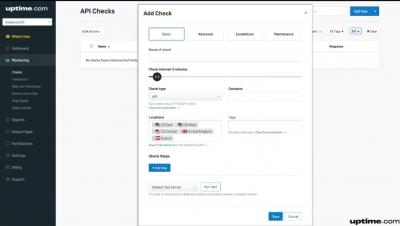
Learn how to configure advanced settings for Uptime.com checks that influence how you are alerted. Build alert and escalation structures, set maintenance windows, even define target SLA metrics.
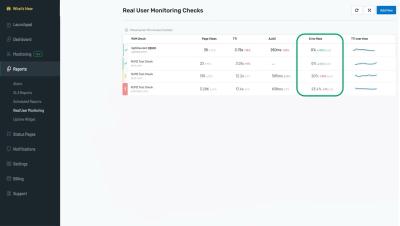
Learn how to set up an Uptime.com Real user Monitoring check. There’s more to website performance than “up/down” statuses. Use RUM to leverage the data collected from past user experiences to optimize for future ones.
Take an in-depth tour of the Uptime.com RUM report. Skip to each aspect of reporting with the timestamps below: Comprehensively understand your users – and your baselines. Organize RUM data by URL(s) or group URL(s) to track subdomains; segment data by devices, operating systems, browsers, countries, other geographies – to compare metrics within specific time windows to your website or application’s performance monitoring baselines.