
Imagine being one of the world’s largest banking institutions and experiencing a critical severity security incident that affects millions of customers and billions of dollars. Now imagine it takes 20 minutes from the first notification to log a response and track down all relevant information from a variety of global systems just to understand the context and nature of the incident.
The last decade has been nothing but a roller coaster ride for the airline industry. The pandemic has transformed it forever and now it needs to reevaluate its digital transformation priorities on how to manage traveler expectations. Taking it a step further, travelers buying behavior is changing farther as now they will want to book tickets while chatting with an AI interface. The transformation was already underway. In 2020, Google Cloud and Sabre announced a partnership to modernize Sabre. Recently, American Airlines announced their modern rebooking app launched in partnership with IBM. Lufthansa announced industry's first continuous pricing tailored to suit individual customer attributes.
While the output of certain RabbitMQ CLI commands uses the term “slave” to refer to mirrored queues, RabbitMQ has disavowed this term, as has Datadog. When collecting RabbitMQ metrics, you can take advantage of RabbitMQ’s built-in monitoring tools and ecosystem of plugins. In this post, we’ll introduce these RabbitMQ monitoring tools and show you how you can use them in your own messaging setup.
RabbitMQ is a message broker, a tool for implementing a messaging architecture. Some parts of your application publish messages, others consume them, and RabbitMQ routes them between producers and consumers. The broker is well suited for loosely coupled microservices. If no service or part of the application can handle a given message, RabbitMQ keeps the message in a queue until it can be delivered.
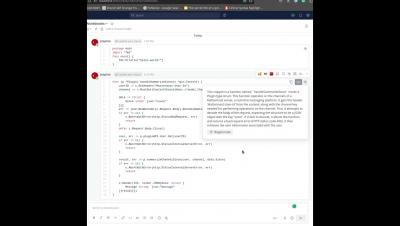
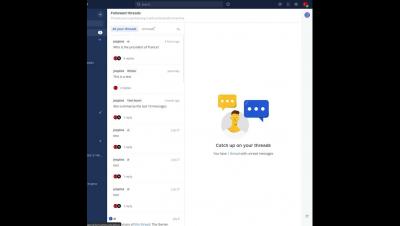
Mattermost v7.9 is generally available today. With this latest release, we’ve added Boards System and Team admin access and Compliance APIs. High-level access and management for all boards in a workspace helps maintain control of team collaboration, leading to a more effective and secure team environment. See the changelog for more details.
Mission-focused teams that operate in contingency environments – think military branches, the intelligence community, NASA – increasingly depend on collaboration software. They need to share information quickly, nimbly, and securely. And they want to carry that out in contextual channels that enable them to see the right content at the right time to make informed, accurate decisions.