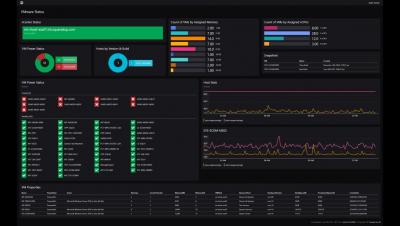
If your organization uses SCOM, you are sitting on a treasure trove of juicy data. Wouldn’t it be a dream to be able to effortlessly leverage all that data via a native integration? You can easily do that with the SCOM Edition of our SquaredUp dashboarding suite. If you are using our free Community Edition at the moment, here are three reasons you should upgrade to SCOM Edition if you are dashboarding SCOM: Let’s break it down.
SquaredUp 5.3 is now available! You will find new features to discover as well as enhancements to the SquaredUp you already love. Here are the highlights: Check out our release webinar for a detailed walkthrough and demo.
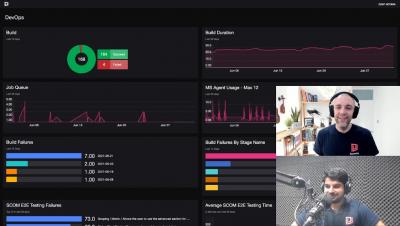
We are excited to announce a new community initiative – Dashboard Fridays. Dashboard Fridays is a bite-sized video series where we share and discuss a range of different dashboards created for the community, by the community. Each video is no longer than 20min, so grab a coffee and let’s talk dashboards! Each episode, we will zoom in on one stellar dashboard put together by a member of the community.
SquaredUp recently launched a PowerShell tile that lets you visualize data returned from a PowerShell script. This has opened virtually infinite doors to the sources you can get data from. PowerShell can work with crazy text formats obscure databases, and endpoints that are open on the internet. If you can access it, PowerShell can work with it. And SquaredUp lets you leverage that power so you can get the information you need and visualize it in a format that makes sense.
SquaredUp helps customers create dashboards that connect the dots. They do this by assisting users in visualizing and sharing data. And, for the most part, they do this by displaying in dashboards what is happening now. Of course, some visualizations show some historical values or whatnots, but tiles like the WebAPI tile only display a specific value at one particular moment in time. But have you ever wanted to “see” what your application looked like right before an outage?
SquaredUp 5.2 is now available! This update brings you enhancements to the PowerShell tile, new Splunk visualizations, various security improvements, and excitingly, a brand new Dashboard Gallery and OpenSource GitHub Samples repository. Keep reading to find out more.