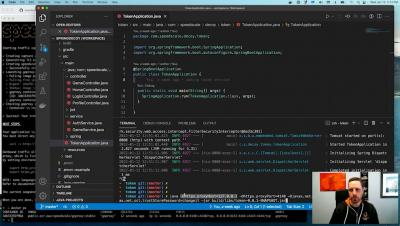
Speedscale CLI - Java Example
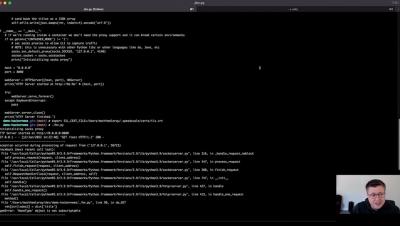
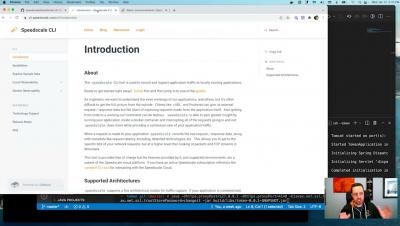
Ken walks through a Java example of the Speedscale CLI tool showing how to inspect inbound and outbound REST API calls.


The latest News and Information on API Development, Management, Monitoring, and related technologies.
While Go provides a testing package and a go test command, the former only offers basic testing capabilities. The package also has some drawbacks, such as missing assertions and increasing repetition with large-scale tests. As a result, several Go testing frameworks have been created to augment it. Go testing frameworks consist of tools and resources for creating and designing tests. Some of these frameworks incorporate the testing package and go test command, while others take a different approach.
One of Checkly's strengths is the capability to monitor key transactions on your site. It'd be missed opportunity if we didn't reuse it to monitor our own product! But for some important flows that comes with a couple of pitfalls. In this post, we'll take a closer look at how we monitor one of our top key flows: signup.
The focus of the 2.5 version was on expanding support for HAProxy configuration keywords, and that’s where most of the effort during this release cycle was spent. We will continue doing that during the next couple of versions to gain complete feature parity with both the HAProxy configuration and Runtime API so that you can use the Data Plane API as a full-featured way to configure HAProxy.
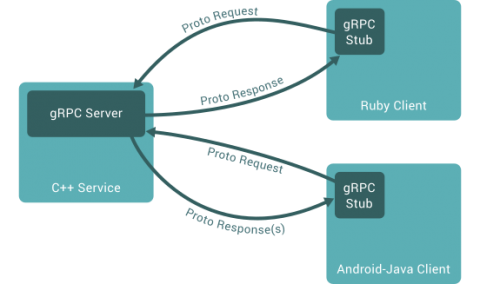
Microservice is now the architecture of choice for many developers when crafting cloud-native applications. A microservices application is a collection of loosely coupled services that communicate with each other, enhancing collaboration, maintainability, scalability, and deployment. There are several options for enabling this communication between microservices. REST is the most popular among developers, sometimes used synonymously with APIs. However, gRPC can be a better alternative to REST.
Kubernetes has experienced rapid growth over the years, with a recent post from the Cloud Native Computing Foundation reporting a userbase increase of about 67% in just the past year. Kubernetes is a container orchestration platform that automates how containers are deployed, how they communicate, and how traffic is routed between them; it also scales configurations for both the containerized workloads and the underlying infrastructure that comprises the cluster.