Quickly view everything on your plate with GitKraken Desktop's Launchpad. Once you're ready to dive in, simply create a branch directly from the issue & start coding!
Learn how the GitKraken DevEx platform simplifies managing your Jira issues. With GitKraken Desktop, you can effortlessly view and update Jira issues directly from your Git workspace. Create branches from Jira issues, link commits, and maintain traceability with deep linking back into GitKraken tools from Jira. Enhance productivity with features like smart commits and automated issue transitions, ensuring your Jira workflows are efficient and synchronized.
Made a mistake? Behold: the undo button! But remember, not every action in Git is reversible, so always double-check. Oh, and redo's always there if you ever need to "undo" an undo.
Ever needed to go back a commit but keep your changes intact? Learn how to use 'Git reset mixed' in GitKraken Desktop to refine your commits without losing progress! Perfect for those 'oops' moments.
This handy command is best utilized whenever you want to back up a few commits, especially if you commit often. Plus, GitKraken Desktop lets you easily stash changes so you can get back to them later.
Hello, Mattermost community! I’m Andrew Zigler, a developer advocate here at Mattermost, and I’ve recently had the privilege of representing our open source research at two great cybersecurity community conferences: BSides Barcelona 2024 and AppSec SoCal 2024.
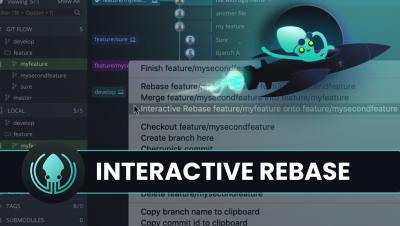
Interactive rebase editor not appearing as an option in GitKraken Desktop? Make these these criteria have been met first. Watch our latest GitKraken Desktop tutorial to maintain a clean, understandable commit history!
Learn how to use GitKraken Desktop's interactive rebase editor! Whether you want to pick, reword, squash, or drop a commit, this handy feature makes it quick and intuitive. Rebase commits normally, edit commit messages, combine commits, or remove them entirely! Check out our latest GitKraken Desktop tutorial to see it in action.
Dive into efficient development with Git Integration for Jira! Join our Workshop this Thursday, 6/27 to explore how Jira issue keys, smart commits, and automation rules can enhance your development workflow.
Explore the interactive rebase editor in GitKraken Desktop for a seamless rebasing experience. Learn how to use drag-and-drop and context menus to pick, reword, squash, drop, and reorder commits. Discover how to resolve conflicts, reset, and abort rebase operations, ensuring a tidy commit history.