Operations | Monitoring | ITSM | DevOps | Cloud

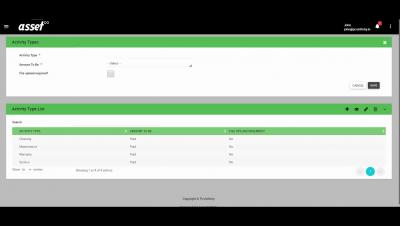
How to Schedule an Activity in Asset Infinity

In this video. We will show you how to schedule an activity in Asset Infinity. This feature can be used to schedule activities for preventive maintenance of assets. An activity can be scheduled with or without an asset. First, select the asset for which activity is required to be scheduled. Click on the schedule activity button present on the home page. Here, you can create single or multiple schedules for the selected assets.
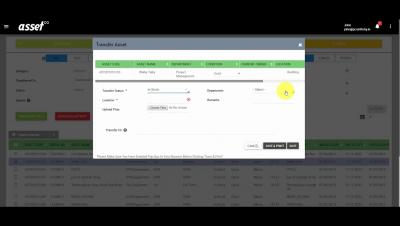
How to Transfer an Asset in Asset Infinity

In this video, we will show you how to transfer an asset. This feature allows you to transfer single or multiple assets First, select the asset that needs to be transferred, further click on the transfer asset button. A pop-up form will open up with details of the asset such as asset code, name, department, current owner and condition will be displayed on top of the pop-up form. Now you should enter the transfer details. Select the transfer status like in use or in stock. The status options can be managed from application settings.

Kubernetes Master Class: Speed Up Your Cloud Native Applications Deployment Using K3s and Traefik

As the Kubernetes ecosystem changes at a fast pace, delivering an application in this context is challenging. How do you ensure that your applications run fast and are resilient with all the Kubernetes updates and new features?

Sentry for Native Crashes: Gaming, IoT, and Beyond

Application crashes have a significant impact on customer experience, which can adversely affect a company’s reputation and revenue. Error and crash reporting is a unique feedback mechanism that provides true data about the quality of their product. Developer teams that create games, mobile applications, IoT, and other high-performance applications need rich insights into application health to quickly and continuously fix software errors with minimal impact.