Creating the CloudBridge between Enterprise Alert and Signl4
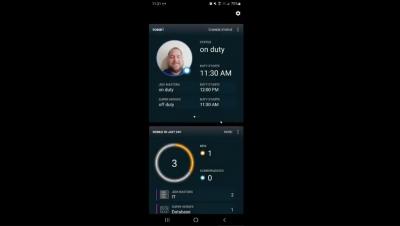
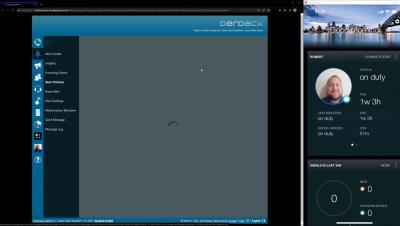
A quick video for how to create the CloudBridge between Enterprise Alert and Signl4 and how to set the Signl4 teams as a destination in Enterprise Alert.


SIGNL4 is a cloud-based mobile alerting and incident response service. Third-party systems like monitoring tools, control systems or IoT sensors detect abnormalities and transmit events to SIGNL4 over the Internet. What if your systems cannot transmit critical events anymore? That might happen when the Internet is down or when the tool itself has a problem. In this case, SIGNL4 would miss critical events and could not turn them into alert notifications to your IT admins, technicians and experts.
Our interim update from March 15 adds important security features to call forwarding to on-callers. Three new settings have been added for call routing numbers.
With our February update, it is now possible to centrally configure how Signls should be notified. And of course, each team can have a different configuration of their notification preferences. This also includes response and escalation settings. In addition, it is now possible to set different notification patterns per day and time of the day, e.g. to notify via different channels at night than during office hours.
SIGNL4 integrates with various backend systems like IT monitoring, service management, IoT systems, sensors, etc. to automatically alert users and teams about certain incidents. A list of selected tools along with integration descriptions is available in our integrations section. How can you integrate SIGNL4 with your own tools? In the following we list some options offering different levels of sophistication.
A question we are hearing often is related to manager escalations, a heavily utilized feature in SIGNL4. Users ask us if those managers can be scheduled. The short answer is ‘yes’, but you need to use a different feature in SIGNL4 and do a little re-configuration.
This post provides an overview on the variety of options and to contact us, if you are seeking technical or other support from the SIGNL4 team. Though, SIGNL4 is designed as a self-service platform and provides an abundance of resources and help, we ‘human’ provide help through our agents whenever needed.