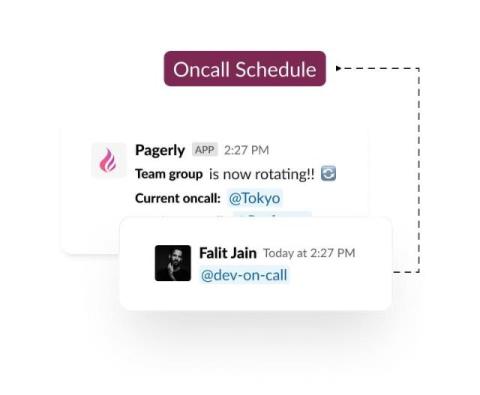
Update users in the usergroup automatically with the oncall status and begin tagging with @sre-oncall. This can be integrated with your own custom rotation or the Pagerduty/OpsGenie schedule.
Virtual meetings are crucial for keeping teams connected and staying in touch with family and friends living in a different country. Platforms like Zoom are commonly used for hosting webinars, teaching online, organizing meetings with colleagues, etc. In other words, they give you countless possibilities. However, Zoom's recording capabilities are rather limited.
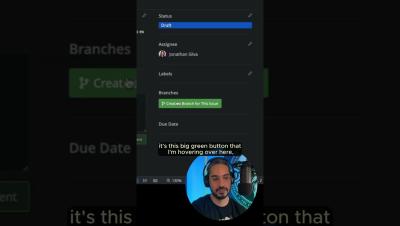
After setting up your Jira integration in GitKraken Desktop, hover over any issue to see its title, description, and status. With a single click, prepopulate branch names to get started coding immediately! ️
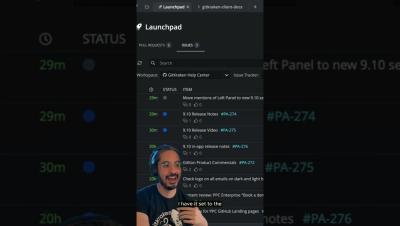
Quickly view everything on your plate with GitKraken Desktop's Launchpad. Once you're ready to dive in, simply create a branch directly from the issue & start coding!
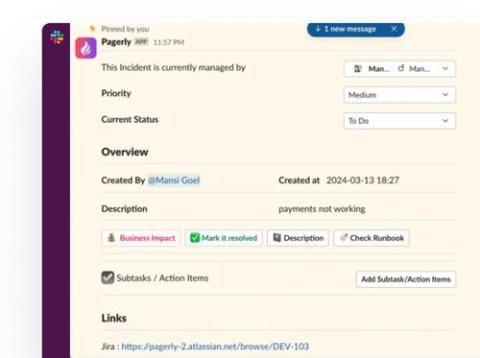
Synchronizing Jira, Jira Service Management (JSM), and Slack bidirectionally is complex due to differing data structures, permissions, and update frequencies, affecting real-time responsiveness and data consistency. Robust API integration and meticulous permission management are crucial for ensuring reliable synchronisation and secure data exchange, essential for effective cross-platform collaboration and efficiency.
Learn how the GitKraken DevEx platform simplifies managing your Jira issues. With GitKraken Desktop, you can effortlessly view and update Jira issues directly from your Git workspace. Create branches from Jira issues, link commits, and maintain traceability with deep linking back into GitKraken tools from Jira. Enhance productivity with features like smart commits and automated issue transitions, ensuring your Jira workflows are efficient and synchronized.
Made a mistake? Behold: the undo button! But remember, not every action in Git is reversible, so always double-check. Oh, and redo's always there if you ever need to "undo" an undo.
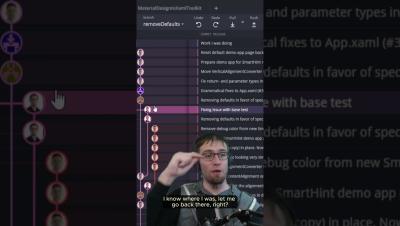
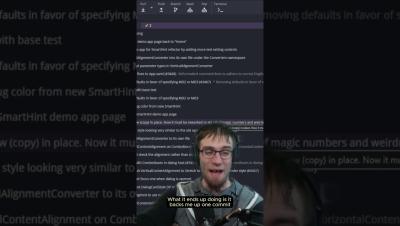
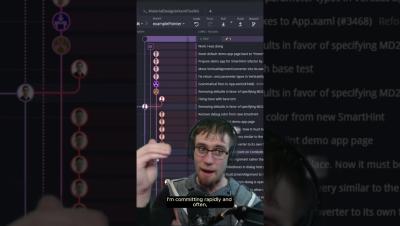
Ever needed to go back a commit but keep your changes intact? Learn how to use 'Git reset mixed' in GitKraken Desktop to refine your commits without losing progress! Perfect for those 'oops' moments.
This handy command is best utilized whenever you want to back up a few commits, especially if you commit often. Plus, GitKraken Desktop lets you easily stash changes so you can get back to them later.
Hello, Mattermost community! I’m Andrew Zigler, a developer advocate here at Mattermost, and I’ve recently had the privilege of representing our open source research at two great cybersecurity community conferences: BSides Barcelona 2024 and AppSec SoCal 2024.