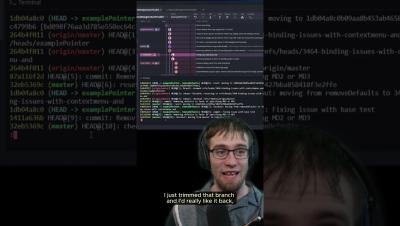
Lost track of your work in Git? No worries! As long as you have your commit hash, you can always retrieve it from your ref log. Remember, your ref log is a history of all your branches and references. Got into a sticky situation with a reset? No need to panic or delete your directory – keep calm and check your local ref log.
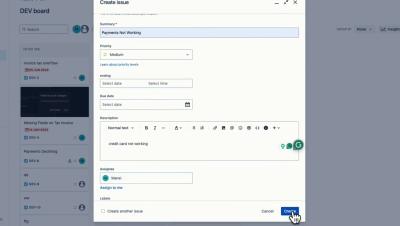
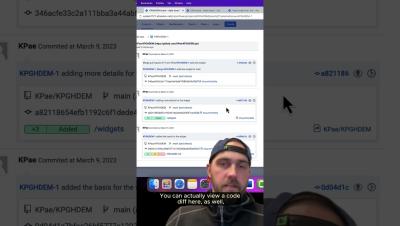
Git Integration for Jira lets team leads easily track development activities, view code diffs, and manage commits without ever leaving Jira. Tired of juggling multiple platforms? Now you can stay on top of your code in one place! Watch our full Getting Started guide here on YouTube for more details.
Learn how to speed up build times and PR cycle times by setting up your Bitbucket pipeline with automation in Forge to dynamically run only relevant tests based on the code change.
Whether you need a quick undo or a complete overhaul, Git reset's options – soft, mixed, and hard – have you covered. See how you can manage changes in just a few clicks within GitKraken Desktop.
Simplify your development workflow with Git Integration for Jira! Admins can connect to their Git hosting service and select which repos should be included, so devs can seamlessly sync commit messages with Jira issue keys. Watch our full Getting Started guide here on YouTube to see how easy it is!
Boost your code reviews with Code Suggest! Propose changes on any file – not just those in the PR. Discover how it can enhance your workflow and improve dev-to-dev collaboration in our latest Workshop here on YouTube.
Enjoy the flexibility of suggesting edits from wherever you code – your IDE, GitKraken Desktop, GitKraken.dev, and more! Make your code reviews faster and more efficient with Code Suggest! Watch our latest Workshop to learn how Code Suggest can transform your review process.
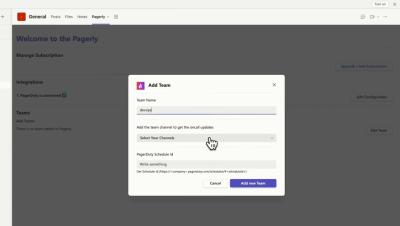
Manage Oncalls, Incidents on Microsoft Teams (Integrate Pagerduty, Opsgenie) Get Oncall Change Notifications within Microsoft Teams. Mention Current Oncall Automically in any conversation without switching applications.