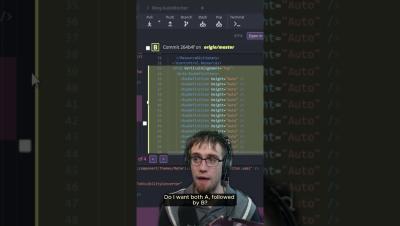
When merge conflicts arise, don't panic! GitKraken's Merge Conflict tool makes handling those dreaded conflicts a breeze. Quickly compare branches, select changes, and customize lines to fit your needs.
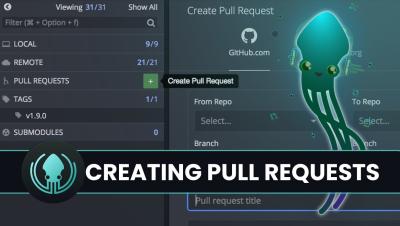
Learn how to create a pull request in GitKraken Desktop! From utilizing the GUI's drag-and-drop functionality to integrating with GitHub, GitLab, and Bitbucket, this comprehensive guide has everything you need to collaborate effectively with your team, manage your repositories, and simplify your development process.
Talks about being on call are usually met with complaints. Here's how to alter the narrative and develop a stronger, more compassionate process. A few years ago, I took oversight of a significant portion of our infrastructure. It was a complex undertaking that, if not managed and regulated properly, could have resulted in major disruptions and economic consequences over a large area.
Traditional business models have had to adapt quickly, influenced by online giants like Amazon and Google, innovative players like Airbnb, Expedia, and Netflix, and significant investments from industry leaders such as Walmart and Tesco. It is not wise to underestimate the technology impact on modern business. What exactly does technology influence in business operations? It's a good question and we'll look into it today.
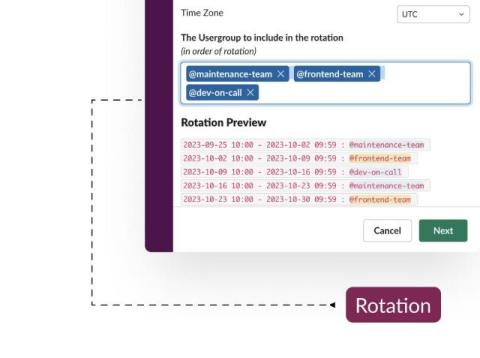
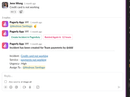
The article discusses streamlining on-call and incident management, focusing on the implementation of a new workflow. One key issue highlighted is the complexity of integrating various tools and platforms used for incident response, which can lead to fragmented communication and delayed resolutions. Another challenge is ensuring the efficiency of escalation protocols, where delays or missteps can impact response times.
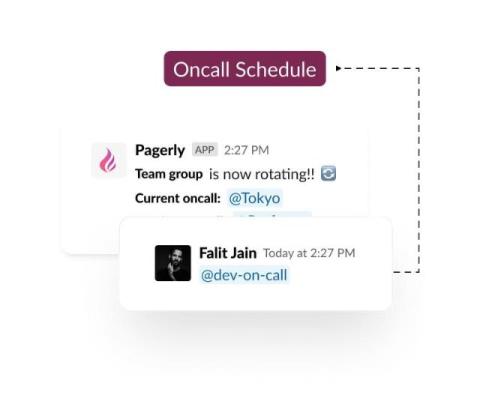
Handover for on-call schedules in this workflow can be problematic due to inconsistent communication and lack of clear documentation. Misunderstandings can occur when shifts change, leading to missed alerts or incomplete information being passed along. Relying solely on Slack can result in important details being buried in message threads, making it hard to track ongoing issues.
Managing PTO and vacation time in on-call workflows can lead to coverage issues, particularly when team sizes are small. Ensuring adequate coverage during local and global holidays can be complex, often requiring shifts to be swapped, which can disrupt team balance. Handling on-call duties during these periods may strain the available staff, potentially leading to fatigue and decreased effectiveness. Coordination and planning become crucial to maintain service reliability and avoid burnout.
Managing PTO and vacation time in on-call workflows faces several issues. Scheduling conflicts can arise when PTO requests overlap with critical on-call periods, leading to inadequate coverage. Automated systems may not always account for last-minute changes, causing potential gaps in availability. Coordination between HR, calendar systems, and on-call schedules can be complex, often resulting in miscommunication.
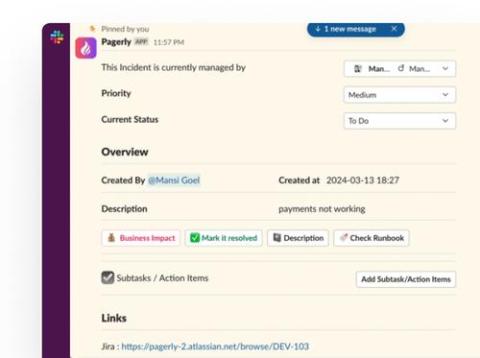
The article addresses the integration of ticket administration across platforms like Jira, Slack, JSM (Jira Service Management), and PagerDuty to streamline on-call and incident management. However, a potential challenge with such integrations lies in maintaining consistency and synchronization across these disparate systems. Issues may arise from delays or discrepancies in updating ticket statuses between platforms, leading to confusion or duplication of efforts among teams.
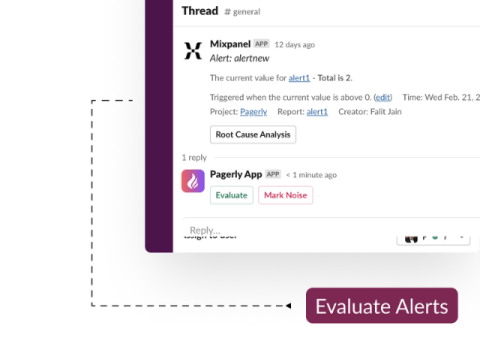
Using Slack and Teams for alerts can lead to several issues. The sheer volume of notifications can overwhelm team members, causing critical alerts to be missed or ignored. Time zone differences can further complicate timely responses. Integrating alerts from multiple systems into these platforms may cause confusion and delay in identifying and addressing incidents.