Work From Home Solution: Zscaler
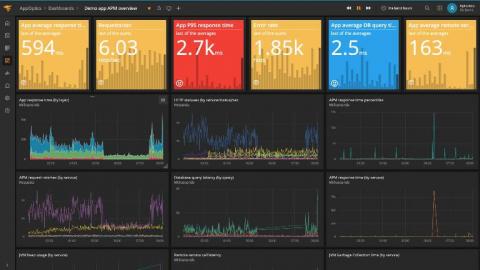
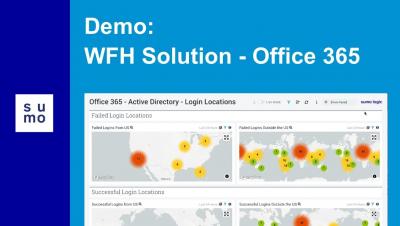
This video shows you how the Sumo Logic App for the Zscaler dashboards provide easy-to-access visual insights into web traffic behaviors, security, user browsing activities, and risk.


The latest News and Information on Log Management, Log Analytics and related technologies.
We are pleased to announce the general availability of version 7.7 of the Elastic Stack. Like most Elastic Stack releases, 7.7 packs quite a punch. But more than the new features, we’re most proud of the team that delivered it. A feature-packed release like this is special during normal times. But it’s extra special today given the uncertain times we are in right now.
Over the past few weeks, Splunk has created a number of different tools to help bring data to the COVID-19 crisis. These tools, such as a public dashboard, an app on Github, and a Mobile Dashboard can be used to identify locations of outbreaks, find correlations and more.
Every application creates logs. Web servers, firewalls, services on your Kubernetes clusters, public cloud services, and more. For companies, being able to collect and analyze these logs is crucial. And the growing popularity of microservices, IoT, cybersecurity, and cloud has brought an explosion of new types of log data. That’s why log management is a huge $2-billion-plus market that’s growing 14% YoY.
George Lucas once said, “Education is the single most important job of the human race.” When considering the requirement of education in the mastering of any role or skill, there is no debate to the truth behind his words. Education is the cornerstone on which the future is built, which is why Elastic is launching the Elastic for Students and Educators program.
If you’re like me, you’re working from home, social distancing, and staying safe during these unprecedented times. I spend a lot of time thinking about how this will impact the way we will work in the future. Going through this with our teams creates stronger bonds as we learn how to work remotely and through a global pandemic. We now spend more time in zoom meetings and use more collaborative tools than we did even just a month ago.