Operations | Monitoring | ITSM | DevOps | Cloud

The latest News and Information on Microsoft 365 and related technologies.

How to build insightful M365 Analytics Dashboards with SquaredUp and Microsoft Graph API (Part 2)

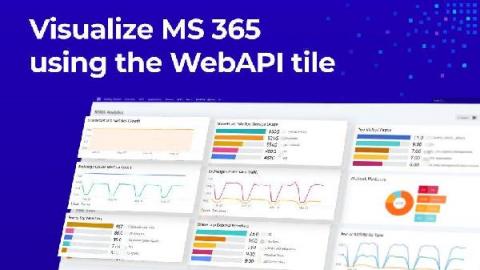
In the last blog post, I walked you through how to connect to the Microsoft Graph API so you can start pulling in the M365 analytics to create a dashboard in SquaredUp. In this blog post, I’ll walk you through exactly how to create this dashboard. This dashboard will allow you to monitor key metrics for Microsoft 365 SharePoint, Exchange Online, and Teams so you can be proactive in assigning storage.

How to build insightful M365 Analytics Dashboards with SquaredUp and Microsoft Graph API (Part 1)

It’s incredibly helpful to be able to visualize the data produced by your organization’s M365 tenant so you can manage licenses, usage, capacity, and more. SquaredUp dashboards are ideal for this. You can use the WebAPI Tile in SquaredUp to connect to the Microsoft Graph API, which offers a broad set of functionalities for working with Azure via code. Microsoft 365 sits on top of Azure and can be managed via Graph API, too.

Maintaining Microsoft Teams Service Quality

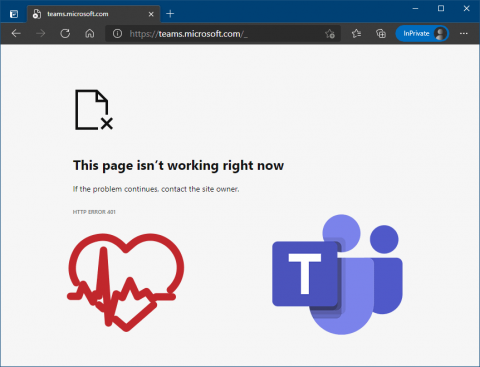
When internal IT teams are responsible for ensuring service uptime, it becomes a challenge with cloud applications like Teams – especially when you don’t know the root cause of an outage. The reality for most organizations relying on Microsoft Teams and other Office 365 cloud services is that there’s an innate expectation that service availability is going to be met; Microsoft has enough redundant infrastructure to ensure they can meet their 99.9% service level agreement.

Work Anywhere: CloudReady and Service Watch

If you haven’t signed up for our upcoming April 21 Work Anywhere Webinar with Exoprise and Forrester, now is a good time. The webinar highlights the challenges that businesses face today due to Covid disruption and innovative solutions to mitigate these challenges. Millions of Americans now work from the comfort of their home using Microsoft 365, Teams, Zoom, and other critical SaaS application services for their daily activities.

Everything you need to know about Office 365 Monitoring

Pandora FMS is a proactive, advanced and flexible monitoring tool which is also easy-to-configure according to each business and their needs. It can be integrated into all the needs of servers, network computers and terminals. Besides, in a world where the cloud has taken more prominence, it can also monitor its services or computers. In this article, we will focus on Office 365 monitoring from Pandora FMS using the module available in the Enterprise library.

Martello's 'Work from Anywhere' Monitoring Solutions

Measuring the user experience has become a critical priority and a constant challenge for IT teams. A growing number of services that users depend on to be productive are now delivered via the cloud. Few services are as critical to business today as Microsoft 365. Learn more about Martello’s new ‘work from anywhere’ solutions for Microsoft 365 that add capabilities that dramatically improve the user experience – from anywhere.
Sponsored Post

Microsoft 365 Outage, March 15th 2021

Exoprise CloudReady provides early detection of mission-critical mail outages. On March 15, Microsoft had a service outage worldwide that impacted its services such as Teams AV, Yammer, OneDrive, and Azure Active Directory. Users reported not being able to login into either of these services and were getting timeout messages. Exoprise detected the issue earlier at 3 pm EST (40 mins before Microsoft reported it) and was able to immediately relay the news to its customer base.

SaaS cloud services monitoring solution Exoprise CloudReady

One of my earliest memories of the cloud is when it dawned on me that I was no longer in control. I'd spent the last 10 years managing on-premises infrastructure, and if something went wrong, I was pretty confident in our ability to fix things. After moving tens of thousands of mailboxes to the new Exchange Online service, then part of a service called Live@EDU, I experienced an outage where there was nothing I could do except wait for someone else to help.