Operations | Monitoring | ITSM | DevOps | Cloud

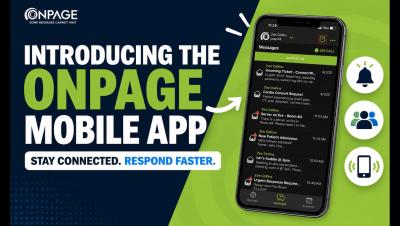
OnPage Mobile App User Guide

How to Use the OnPage Mobile App Get more out of the OnPage mobile app with this step-by-step walkthrough. In this video, we take an in-depth look at the app’s key features and show you how to use them, from managing alerts and responding to incidents to staying connected wherever you are. Whether you’re new to OnPage or looking for a quick refresher, this guide makes it easy to get started.
Incident Chat and Virtual War Rooms: How to Improve Incident Response

How do you keep incident communication organized during a critical incident? Effective incident response requires more than getting an alert to the right person. Once responders are engaged, they need a shared place to exchange information, coordinate actions, and track decisions. A dedicated incident chat – or virtual incident war room – keeps that collaboration tied directly to the incident instead of scattering it across email, Microsoft Teams, Slack, text messages, and phone calls.

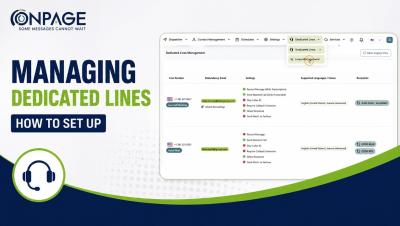
Managing Dedicated Lines in OnPage | How to Set up Dedicated Lines

Learn how to set up and manage Dedicated Lines in OnPage. In this step-by-step tutorial, we’ll walk through how to configure your Dedicated Lines to control how incoming calls are received, processed, and routed. You’ll learn how to:✓ Configure basic line details✓ Customize call processing behavior✓ Set up interactive routing menus✓ Add caller instructions and prompts✓ Review and save your Dedicated Line settings.

OnPage Enterprise (Dispatcher) Console Dashboard Overview

Welcome to the OnPage Dispatcher Console, your central hub for messaging activity and performance insights. In this video, we’ll walk through the main dashboard and show how it gives dispatchers a consolidated view of messaging activity, performance metrics, on-call status, and upcoming schedules, all in one place. See how the OnPage Dispatcher Dashboard helps teams stay informed and maintain visibility into critical communications.

Shift Scheduling: 10 Signs You've Outgrown Spreadsheets (And What to Look for Next)

It’s Friday afternoon. Two employees have requested time off. Someone calls in sick. Another wants to swap shifts. Then you realize the only certified technician scheduled for the night shift is also marked as being on vacation. What looked like a perfectly organized spreadsheet this morning can quickly turn into a puzzle. As organizations grow, scheduling gets more complex.

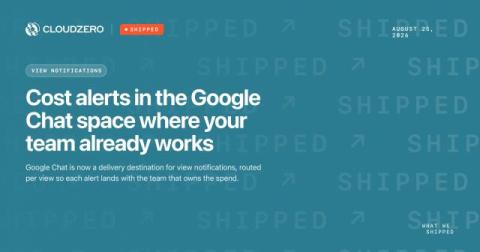
Shipped: Cost alerts in the Google Chat space where your team already works

If your company runs on Google Workspace, your team lives in Google Chat. That is where the standup happens and where threads turn into decisions. Cost alerts can now go there too. This is relevant because an alert only does something if it reaches people in a place where they can talk about it. Email is great for a record but not great for a reaction. An anomaly notification sitting in an inbox waits for that person to open it, decide it is real, and then go tell everybody else.

2026 Buyer's Guide: Top On-Call Scheduling Tools for IT Teams

A missed page at 2 a.m. can turn a minor service degradation into an hours-long outage, an SLA breach, and a costly customer-trust problem. For IT operations, SRE, and DevOps teams, the tool that decides who gets alerted, how, and when someone stops the escalation is a critical piece of infrastructure.

How OnPage Eliminates Alert Noise for IT Ops Teams in 2026

IT Ops teams face two failures that pull in opposite directions: responders interrupted so often that they stop reacting, and a truly critical alert lost inside that same flood. Alert noise and alert fatigue describe those two problems, and treating them as one usually makes both worse. This article shows how to reduce interruptions without making critical incidents easier to miss.

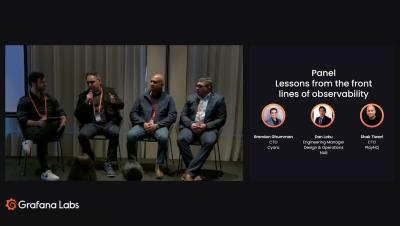
Alert fatigue, AI triage, and incidents: Lessons from observability experts at Cyera, PlayHQ & NAB

Observability looks perfect in a slide deck – in practice, it's messier. In this panel, engineering leaders from Cyara, PlayHQ, and National Australia Bank share what really happened when they scaled observability: unexpected cloud bills, alert fatigue, a weekend database outage caught by an AI-assisted triage agent, and a vendor dispute settled by a single chart. They also cover moving beyond legacy tooling, using AI to close the PromQL skills gap, and what's next – from agentic SDLC integration to continuous profiling. Real stories, real numbers, real lessons.

Sharing OnPage Schedules with Google and Outlook Calendar

Need to keep your OnPage schedule in sync with your calendar? In this step-by-step video, we’ll show you how to share an OnPage Web Management Console schedule with your personal Google Calendar or Outlook Calendar. You’ll learn how to: Copy your OnPage schedule subscription URL Add it to Google Calendar Add it to Outlook Calendar Keep your OnPage schedule accessible alongside your other calendar events.