Operations | Monitoring | ITSM | DevOps | Cloud

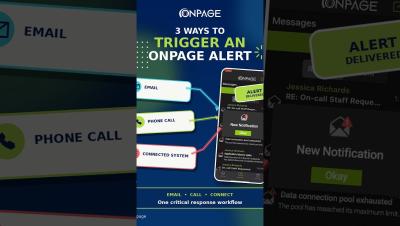
How to Send Critical Alerts to the OnPage App | 3 Ways

What are the different ways to send a critical alert to the OnPage app? This video shows three ways people and external systems can trigger a high-priority OnPage mobile alert that's also HIPAA compliant (secure or healthcare use cases): These options are particularly useful for users with OnPage mobile licenses who do not have a Silver or Gold plan.
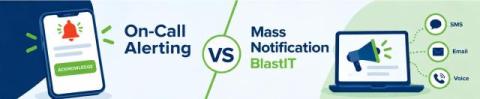
On-Call Alerting vs. Mass Notification: What's the Difference?

When an urgent situation occurs, organizations need more than a way to send a message. They need a communication strategy that considers who needs to receive the message, whether they need to take action and how quickly they need to respond. This is where the difference between on-call alerting and mass notification becomes important. A critical IT incident, for example, may require an immediate response from a specific on-call engineer or incident response team.

Grafana Alerting: Scale alert routing without scaling complexity using multiple notification policies

Alert routing often starts simple. A team creates a few contact points, adds some label matchers, and builds a notification policy tree that sends each alert to the right destination. But alerting configurations rarely stay simple. As an organization grows, its notification policy tree must accommodate more teams, services, and routing requirements. Changes for one team still require editing a global configuration, making ownership less clear and independent provisioning harder.

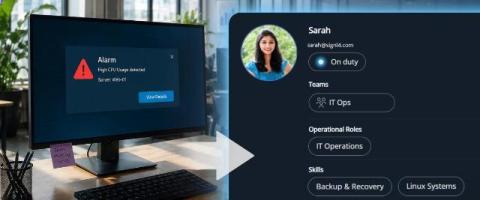
New Alerts module, smarter workflows, AI-powered assistance, and more!

In this edition of ServiceDesk Plus Premiere, our product experts take you through the latest updates across both ServiceDesk Plus Cloud and On-Premises, with enhancements designed to make everyday IT service management more efficient. For ServiceDesk Plus Cloud, we’ll explore the new Alerts module, enhanced criteria-based workflow routing, Resolution Assist powered by similar resolved requests, and asset discovery enhancements that bring greater visibility into the security components of Windows assets.

How to Configure Redundancy Channels in the OnPage Console

Learn how to configure redundancy notifications and copy recipients for a contact in the OnPage Console. This video walks through disabling Secure Messaging, setting the redundancy time interval, selecting additional delivery channels and sending message copies through email, SMS or IVR/voice call. Important: Disabling Secure Messaging means messages will no longer be delivered through OnPage’s secure channel. This configuration is not HIPAA compliant and should not be used for healthcare communications requiring HIPAA compliance.

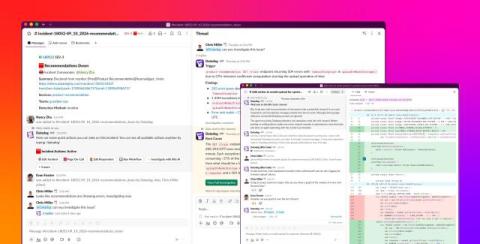
From alert to resolution: Manage incidents with Bits Chat in Slack

When an issue in production triggers an alert, the people responding to it are often working in Slack while the evidence they need is elsewhere. Responders need to move between conversations, telemetry data, source code, and incident tooling as they form hypotheses, coordinate actions, and keep stakeholders informed. That context switching can slow down a time-sensitive investigation and make updates harder to follow.

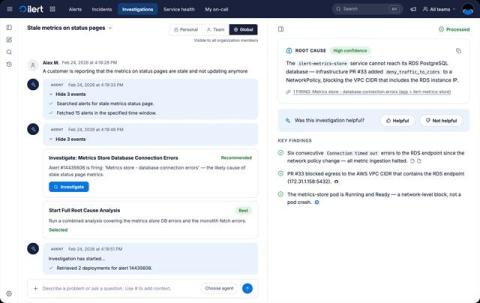
ilert AI SRE is generally available

When you get paged at 3am, it takes about 30 seconds for the notification to reach you and maybe two minutes until you're in front of a laptop, awake enough to read. What you see then is usually a raw alert. A metric name, a threshold, a link to a dashboard. Then the ritual starts: open the dashboard, check what deployed in the last few hours, grep the logs for the first error, ask in Slack whether anyone touched the database. ‍ Most of that time is search.

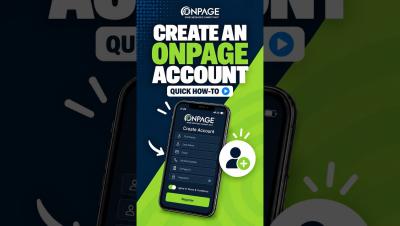
Create an OnPage Account: Quick How-To

Learn how to download the OnPage app and create a new account. This quick tutorial walks you through entering your account details, choosing a unique OnPage ID, creating a password, and completing registration. You’ll also learn how to enable notifications and critical alerts so important OnPage alerts can sound and appear on your lock screen—even when your iPhone is muted or Focus mode is enabled.

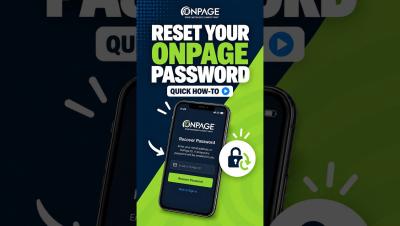
Recover Your OnPage Password: Quick How-To

Forgot your OnPage password? Enter your OnPage ID, click Next, and select Forgot Password. Submit the email address associated with your account or your OnPage ID, then click Recover Password. You’ll receive a temporary password by email, which you can use to log in and create a new password. If you don’t see the email, check your spam folder.