Mailchimp
Not subscribed to OpsMatters Newsletter


Product Releases Update Our new Search tool allows you to quickly build detailed queries without having to leave the page. Our new search tool expands on our column filtering feature. You can now create even more detailed queries by filtering on 20 unique criteria. New for this release is the ability to search Call Stack Function Names, Call Stack File Names, and Call Stack Line Numbers.
We’re happy to announce that we’ve added a new feature which will make it easier for you to copy your trigger setup from one app to a new one. Anomaly detection triggers are a great way to get notified about unwanted events in your app. These anomalies are things like a high error rate, a lack of free disk space, or a high CPU usage. If your apps have a lot of the same requirements and infrastructure, you may have a lot of the same triggers across your apps.
In our series on how to deploy an app to AWS with the least effort, we've talked about getting started, preventive measures, and securing your app. Today, we're going to focus on DNS (domain name system), specifically the AWS DNS service Route 53. As you're deploying your web app, you will inevitably use DNS.
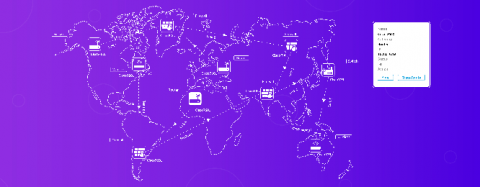
Is it possible for network engineers to gain complete visibility over all the components in an enterprise network? With new devices constantly connecting and disconnecting, creating a mental image of the entire network is impossible. This is where network mapping comes in. Using Simple Network Management Protocol (SNMP), you can see a visual representation of your network and every connected device for an easy-to-understand look at your dynamic network.