Mailchimp
Not subscribed to OpsMatters Newsletter


If you're reading this, you're probably wondering how to get data from various Microsoft Azure services into Splunk. With the growing list of Azure services and various data access methods, it can be a little cloudy (pun intended) on what data is available and how to get all that data into Splunk. In this blog post, I'm going go over how Microsoft makes Azure data available, how to access the data, and out-of-the-box Splunk Add-Ons that can consume this data. So let's dive right in.
The Splunk Security Research Team has been working on new improvements and additions to the Splunk Attack Range, a tool that allows security researchers and analysts to quickly deploy environments locally and in the cloud in order to replicate attacks based on attack simulation engines. This deployment attempts to replicate environments at scale, including Windows, workstation/server, domain controller, Kali Linux, Splunk server and Splunk Phantom server.
As more environments run on Kubernetes—including our own— Datadog has been making it easier to get visibility into clusters of any scale. To minimize load on the Kubernetes API server, the Datadog Agent runs in two different modes. The node-based Agent queries local containers or external endpoints for data, while the Cluster Agent fetches cluster-level metadata from the API server.
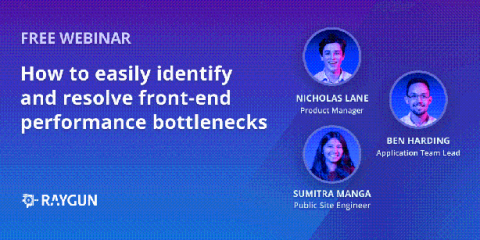
In this webinar you will learn: