Operations | Monitoring | ITSM | DevOps | Cloud

So You Received an Alert. Now What?

Your phone buzzes with an incoming text message right when you’re about to start dinner. Inconvenient, but better than a 3 am call. It’s an Uptime.com Alert, and if you want to clear it before your dinner gets cold you need the right tools for investigation… If that scenario sounds familiar to you, then you’re in good (if tired) company.
Is being on-call a reason to quit?

“Well, that’s the job.” Have you ever heard that from your colleagues or bosses when it came to being on-call? Imagine you started a new job 3 months ago and were looking forward to it from the start. You are on-call one weekend a month and thought there wouldn’t be many incidents from Friday evening to Monday morning. But by now you’ve noticed how much being on-call duty actually stresses you out. You get restless as soon as your shift starts.

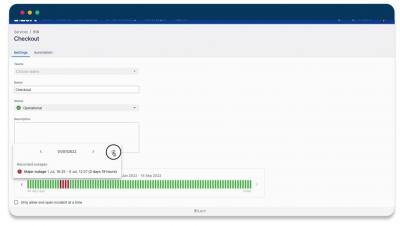
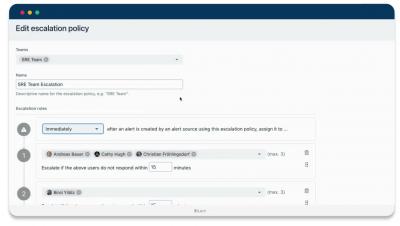
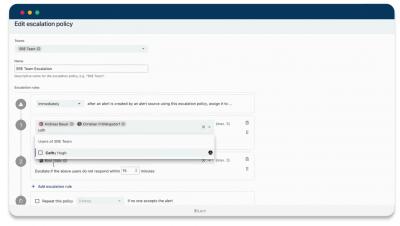
New features: multiple responders, escalation delay, IP filter for private status pages, edit uptime history

This post highlights some of the features and improvements that we have released in the last 3 months. If you want to submit your own ideas or vote on existing feature requests, you can now use our new public roadmap at roadmap.ilert.com. ‍

Grafana alerts as code: Get started with Terraform and Grafana Alerting

Alerting infrastructure is often complex, with many pieces of the pipeline that often live in different places. Scaling this across many teams and organizations is an especially challenging task. As organizations grow in size, the observability component tends to grow along with it. For example, you may have many components, each of which needs a different set of alerts. You may have several teams, each with a different channel where notifications should be delivered.