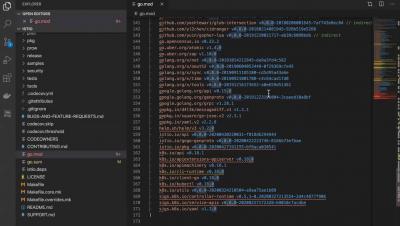
Free Go Module Vulnerability Scanning in Visual Studio Code
The JFrog Extension also includes free security scanning and metadata of Go Modules from JFrog GoCenter.


The latest News and Information on DevOps, CI/CD, Automation and related technologies.
Rancher 2.4, the latest release of Rancher’s Kubernetes management platform, includes a new CIS security scanning feature. The Center for Internet Security publishes more than 100 benchmarks for Kubernetes, which are considered the default standard benchmark for defining security of Kubernetes clusters. With Rancher 2.4, CIS scanning is an integrated part of the Rancher UI itself for RKE clusters. If you create or import any RKE cluster via Rancher, CIS Scan will work flawlessly.
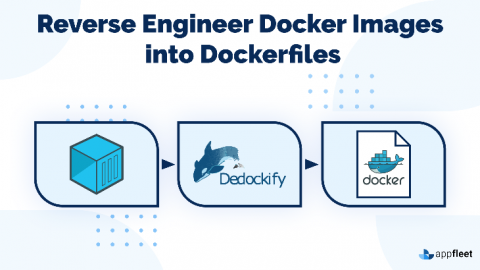
This article explores how we can reverse engineer Docker images by examining the internals of how Docker images store data, how to use tools to examine the different aspects of the image, and how we can create tools like Dedockify to leverage the Python Docker API to create Dockerfiles from source images.
Kubernetes has enjoyed an unparalleled 5-year growth that has revolutionised the IT industry. It has become a key factor for organisations to be successful and have a competitive advantage. In order to optimise these benefits, organisations look for new ways to reduce Kubernetes complexity and get interoperability with other systems. See how combining MicroK8s and WSL 2 brings a low-ops, fully conformant Kubernetes through a single-command install within Windows.