Operations | Monitoring | ITSM | DevOps | Cloud



Self Service BI with Power BI

The number one business bad habit MSPs need to stop doing immediately
The N-able Head Security Nerd, Lewis Pope, just published a blog outlining the top 25 cybersecurity bad practices demonstrated by MSPs today. To accompany his post, I wanted to add one more risky bad habit to his list. It’s something I commonly see being practiced by too many MSPs from a business perspective—allowing a customer’s budget to dictate what a cybersecurity offering should look like.

25 cybersecurity bad practices: more than just bad habits
The CISA (Cybersecurity & Infrastructure Security Agency) recently started an initiative to create a catalogue of exceptionally risky cybersecurity bad practices. While this will be a welcome and very useful tool once it is complete, only two practices are currently listed. Since cybersecurity and business decisions can be time-sensitive, we wanted to expand on the CISA’s list.

Monitoring for app right-sizing in GKE

Timely Delivery with Enterprise Alert

Loki 2.3 is out: Custom retention, 15x query speed on recent data, Prometheus-style recording rules
Excellent new features have arrived in Loki v2.3.0. Bug fixes too. And performance increases on top of that. While we have been quiet, we have been very busy!

Gremlin Chaos Engineering Practitioner Certificate Prep Session
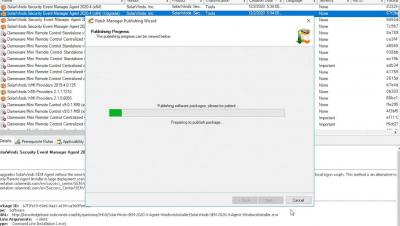
How to Schedule Patching for Security Event Manager
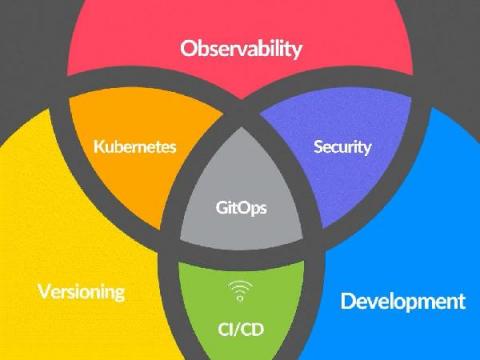
The Evolving World of GitOps and Observability
Is GitOps changing observability as we know it? GitOps has been the buzz word in the DevOps space for several years. GitOps, to those that are not familiar, is an operational methodology for DevOps that leverages a continuous deployment approach with Git as the single source of ‘truth’ for declarative control over both infrastructure and applications.